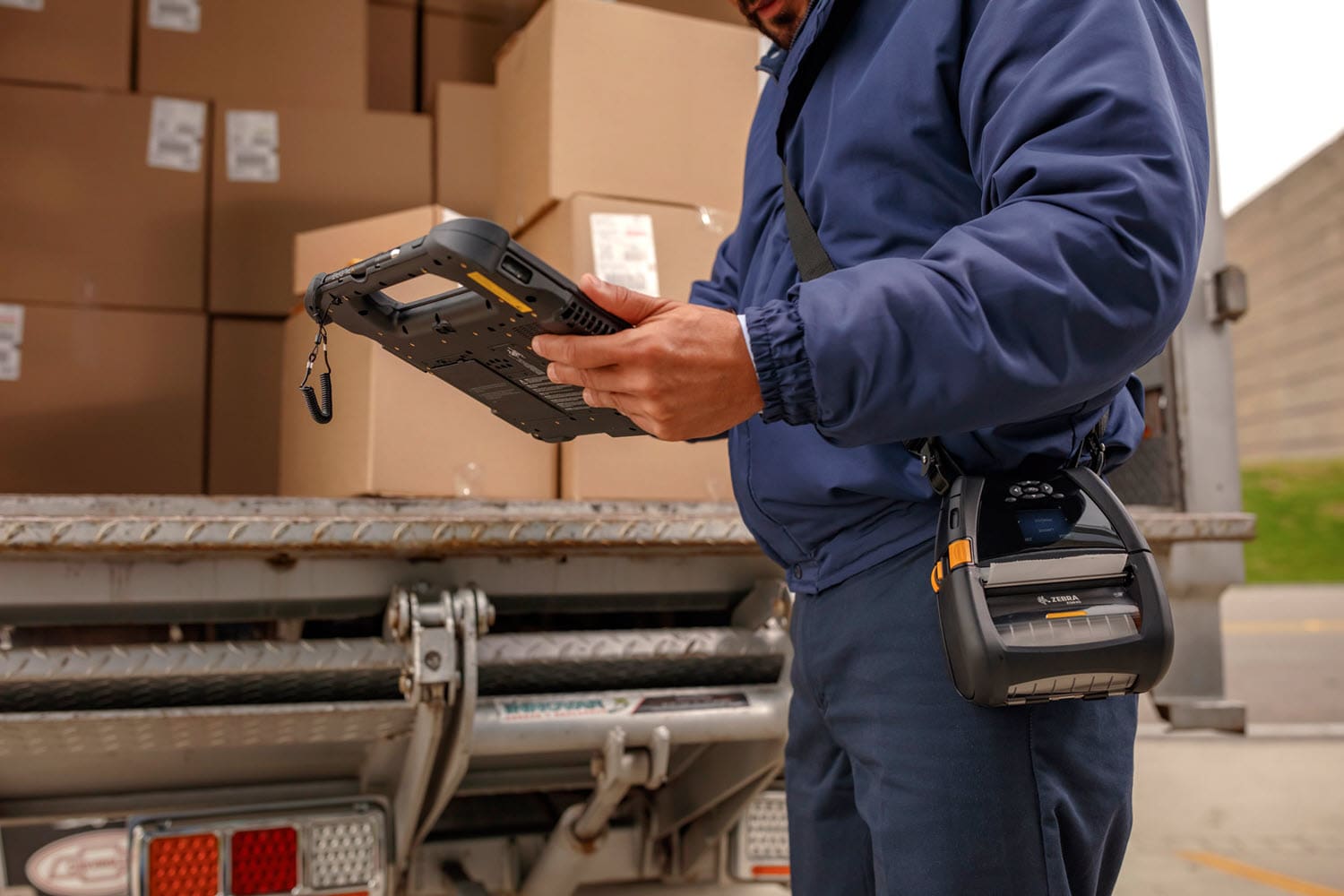
Capture information on tablet or handheld computer instead of paper.
Modern Business Moves Beyond the Clipboard
As we continue to witness a digital revolution, businesses are increasingly moving away from traditional paper-based processes to digital alternatives. One significant area where this shift is taking place is in the conversion of paper forms to digital forms. Paper forms are easy to create, but create a time-consuming burden, and in the end are riddled with errors, omissions, and the need to be manually re-keyed into a computer to be of any value.
Here are the Top Five Benefits of Converting Paper Forms to Digital
1. Digital Forms Offer Increased Efficiency
Converting paper forms to digital forms significantly enhances the efficiency of business processes. Unlike paper forms, digital forms eliminate the need for manual data entry, which can be time-consuming and error-prone. With digital forms, data is captured and stored electronically, making it easy to search, retrieve, and analyze. Moreover, digital forms can be easily accessed by authorized personnel from anywhere, at any time, improving overall workflow and reducing the time required to complete tasks.
2. Digital Forms Can Reduce Costs
Converting paper forms to digital forms can save businesses a considerable amount of money. Paper forms require printing, storage, and shipping, which can be expensive. Additionally, manual data entry can result in errors that require time and resources to correct. Digital forms eliminate the need for printing, storage, and shipping, and the risk of human error is significantly reduced. This results in cost savings for businesses, especially in the long term.
3. Digital Forms Enhance Security
Digital forms offer better security than paper forms. Digital forms can be encrypted, password-protected, and accessed only by authorized personnel, significantly reducing the risk of unauthorized access, theft, or loss. Additionally, digital forms can be backed up regularly, ensuring that data is not lost due to hardware or software failure.
4. Digital Forms Improve Customer Experience
Digital forms offer a better customer experience than paper forms. With digital forms, customers can complete and submit forms online, eliminating the need to visit physical locations. Digital forms can also be designed to be user-friendly, with prompts and guidance to assist customers in completing them correctly. Moreover, digital forms can be integrated with other business systems, such as customer relationship management (CRM) software, providing a seamless and personalized experience for customers.
5. Digital Forms Enable Better Data Analysis
Digital forms provide better data analysis capabilities than paper forms. With digital forms, data is captured and stored electronically, making it easy to search, retrieve, and analyze. This enables businesses to identify patterns, trends, and insights that can inform decision-making and improve business operations. Additionally, digital forms can be integrated with analytics tools, such as business intelligence software, to provide real-time data analysis and reporting.
Technology To Deliver Digital Forms
CSSI can create a complete digital form solution for you. Our development team can digitize your paper forms, and our hardware experts can specify rugged tablet PCs or handheld computers for your team. We start with a review of your current processes and requirements, and then put together a complete solution to meet your needs.
See how CSSI used digital forms to improve a manufacturer’s delivery operation:
Say No To Paper, Yes To Digital
In conclusion, converting paper forms to digital forms offers significant benefits to businesses. It improves efficiency, reduces costs, enhances security, improves the customer experience, and provides better data analysis capabilities. By embracing digital forms, businesses can streamline their operations, improve their decision-making capabilities, and gain a competitive advantage in today’s fast-paced business environment.
Contact CSSI To Create Digital Forms
If you are ready to create digital forms to improve your operation, contact the team at CSSI. Our experts can review your paper forms and propose a fast and effective digital migration. Contact us today.
FAQ – Frequently Asked Questions About the Electronic Forms
Q: Will electronic forms integrate with our existing WMS, ERP, or other business systems?
A. In most cases, yes. Electronic forms can pass captured data straight into your warehouse management system, ERP (including Microsoft Dynamics GP), or a shared database, so information doesn’t have to be re-keyed. The integration approach depends on your systems. Options include direct database connections, APIs, or file-based imports. A good first step is a process review that maps each paper form to the system that consumes its data. That way the digital version feeds the right place from day one, rather than creating another information silo.
Q: What happens if a worker loses Wi-Fi coverage in a freezer, trailer, or far corner of the warehouse?
A. Well-designed digital forms can work offline. Data is stored on the device and synchronized automatically once the worker returns to coverage, so a dead zone doesn’t mean lost inspections or incomplete receiving records. It’s still worth having a wireless site survey done, especially in cold storage and high-racking environments where coverage gaps are common. Offline capability then acts as a safety net instead of a workaround.
Q: What hardware do our workers need to fill out digital forms?
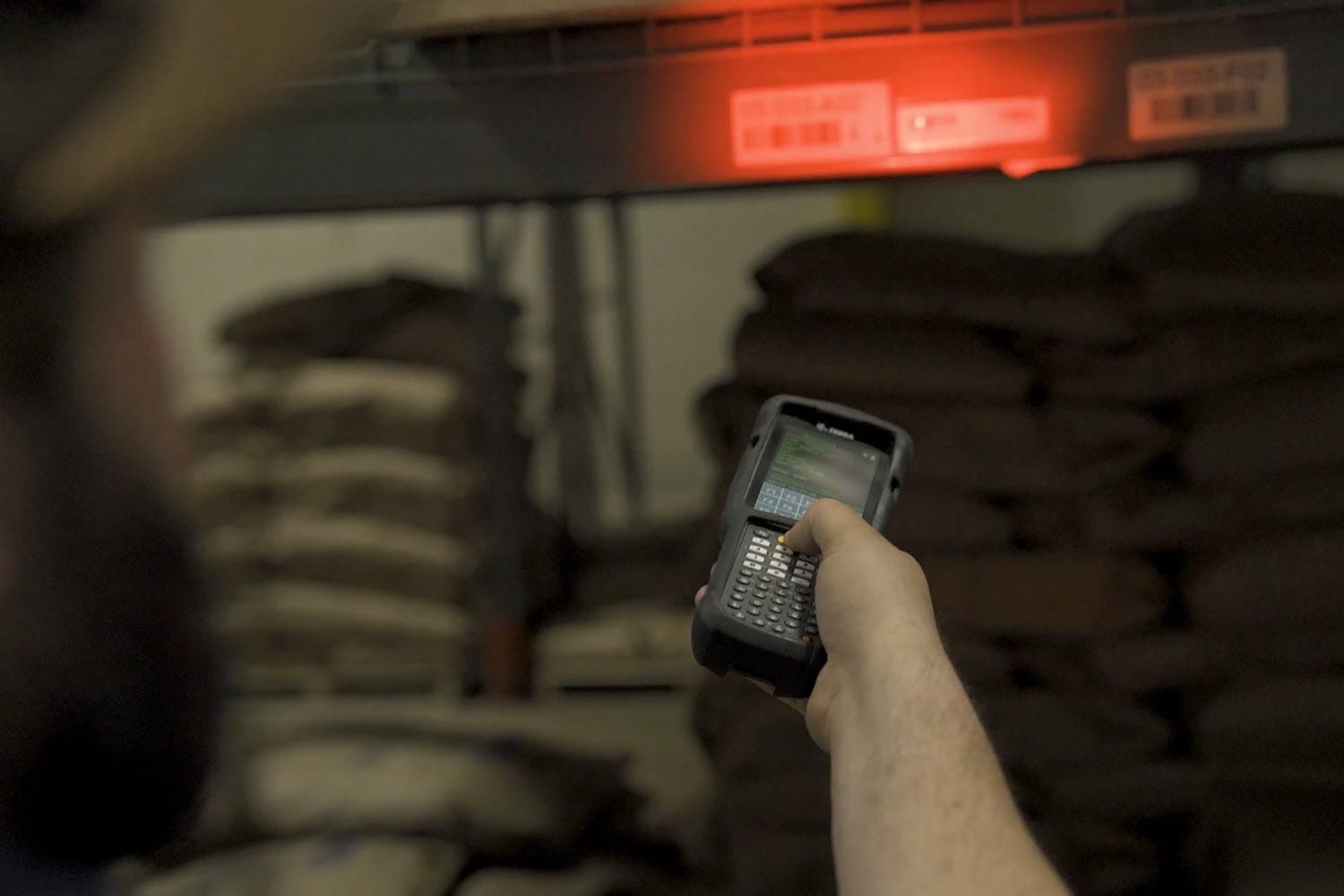
A. That depends on the job. Handheld mobile computers suit workers who need to scan barcodes while completing a form, such as receiving, cycle counts, or proof of delivery. Rugged tablets offer more screen space for longer checklists like safety audits, equipment inspections, or quality reports. Vehicle-mounted computers work well for forklift pre-shift checks. In demanding environments, choose enterprise-grade rugged devices rather than consumer tablets. They hold up to drops, dust, moisture, and freezer temperatures, and they offer longer support lifecycles and built-in features such as barcode scanning and signature capture.
Q: How do we keep form data and devices secure and manageable as we scale?
A. Pair digital forms with a mobile device management (MDM) platform. MDM lets IT lock devices down to approved applications, push form updates remotely, enforce passwords and encryption, and wipe a lost or stolen device. On the forms side, role-based access controls who can view, edit, or approve each form, and every submission is time-stamped and tied to a user. This creates an audit trail that paper can’t match, which is valuable during customer audits, safety reviews, or regulatory inspections.
Q: How hard is it to get frontline workers to adopt digital forms, and how quickly will we see a return?
A. Adoption is usually easier than expected, because digital forms are designed to make the job simpler. Required fields, drop-down lists, barcode scanning, and photo capture reduce typing and guesswork, and the form won’t let a worker submit incomplete information. Start with one or two high-volume, high-pain forms, such as receiving logs or equipment inspections, and run a short pilot with a few experienced workers who can help coach others. The return often shows up quickly in reduced data entry labor, fewer errors and rework, and faster access to information supervisors need to make decisions. The pilot also gives you real numbers to support a broader rollout.