Ditch the Clipboard: 5 Warehouse & Manufacturing Tasks That Belong on an Electronic Form
How To Implement Electronic Forms for Warehouse Tasks?
Ask any warehouse supervisor or plant manager what slows their operation down, and you’ll hear a familiar list: lost paperwork, illegible handwriting, form field data entered twice, and reports that are always a day behind. The culprit is often the same — manual paper forms that have been part of the operation for so long, no one stops to question them.
The good news is that converting paper forms to electronic forms is one of the fastest and most cost-effective improvements a facility can make. Unlike large-scale ERP implementations or automation projects, digital forms can be scoped, built, and deployed in a matter of days — delivering immediate ROI in the form of faster data collection, fewer data entry errors, and real-time insights and visibility across your operation. You can even build integrations with other company systems.
Here’s a look at five common warehouse and manufacturing tasks that are ideal candidates for the paper-to-digital transition.
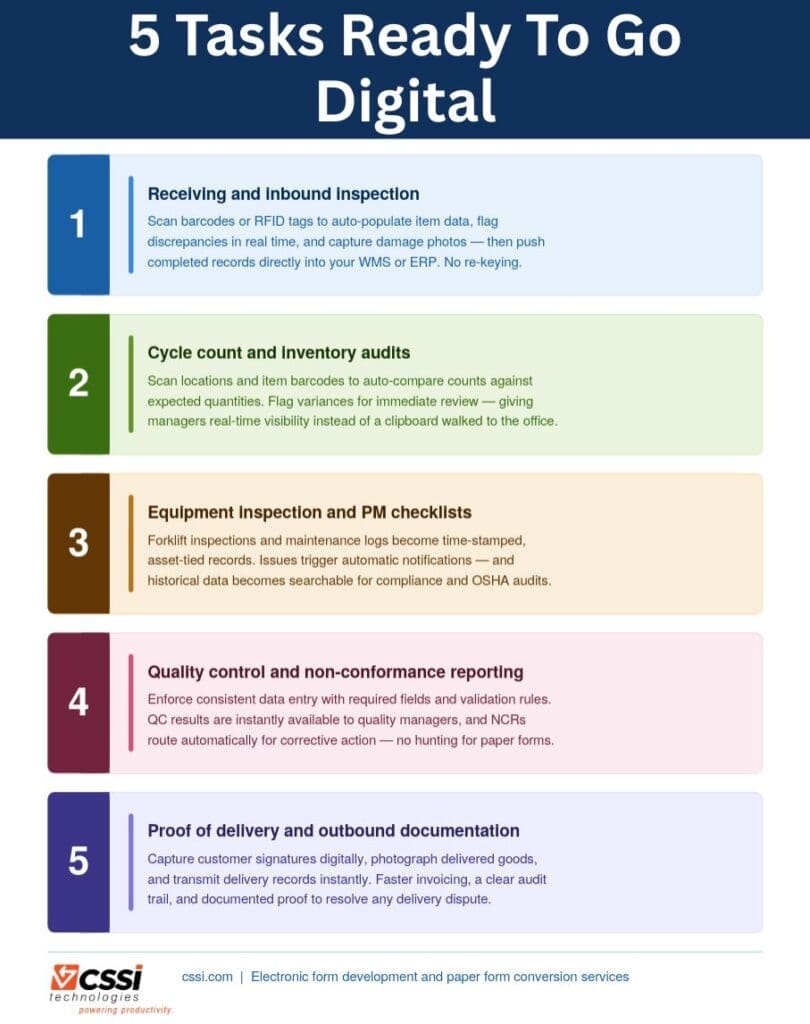
What Are 5 Ideal Tasks for Digital Workflow Automation?
1. Receiving and Inbound Inspection
When a shipment arrives, workers typically fill out paper form receiving logs to record quantities, lot numbers, condition notes, and carrier information — then someone re-enters that form data into the WMS or ERP later. An electronic form deployed on a mobile device such as a rugged handheld or tablet lets the receiver scan barcodes or RFID tags to auto-populate item data, flag discrepancies in real time, capture a photo of damaged goods, and push the completed record directly into your system — all in a single step. No clipboard, no re-keying, no delay.
2. Cycle Count and Inventory Audits
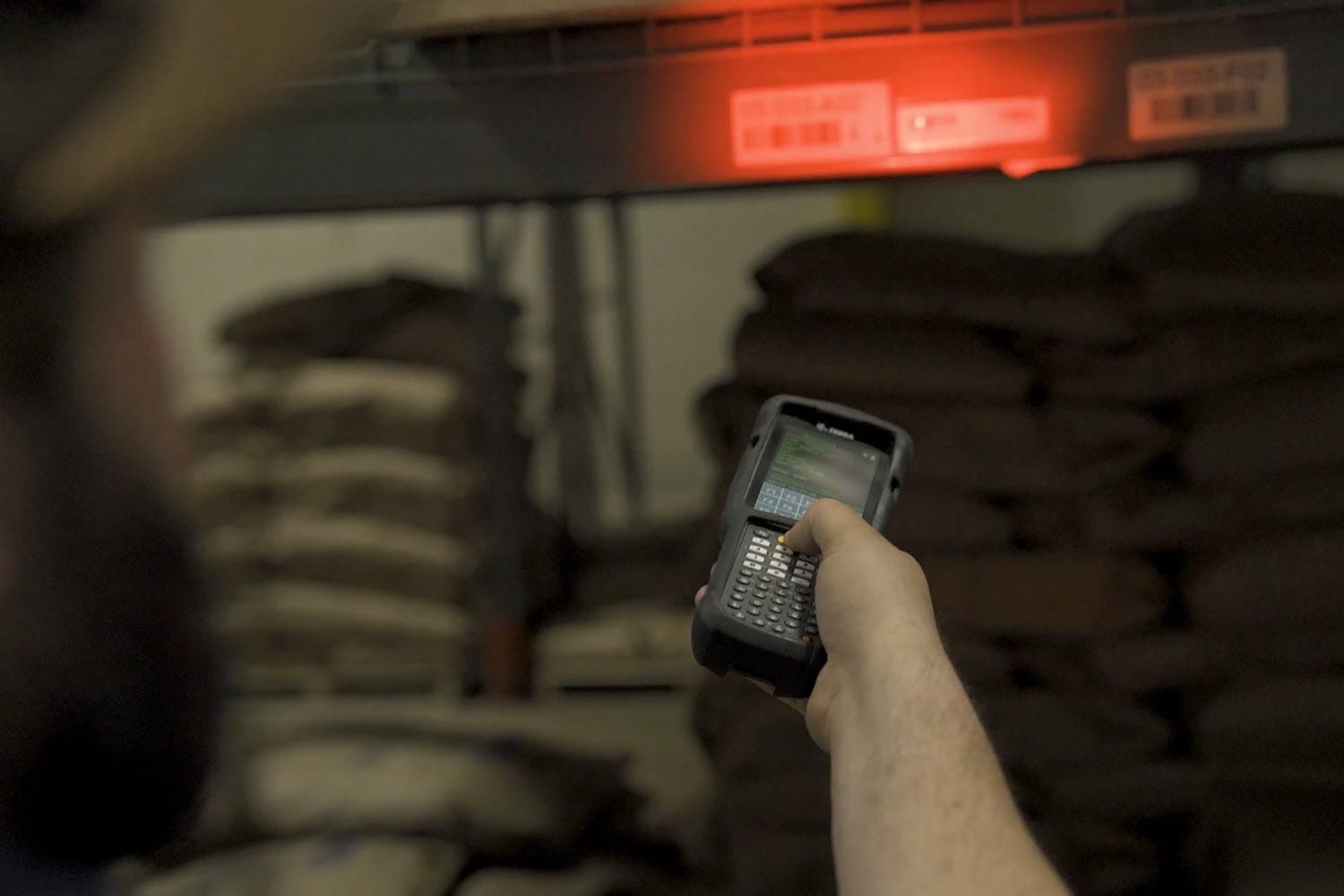
Paper-based cycle count sheets are slow, error-prone, and invisible to the rest of the organization until someone walks the completed forms back to the office. Electronic cycle count forms on handheld computers allow workers to scan locations and item barcodes, automatically compare counts to expected quantities, and flag variances for immediate review — giving inventory managers real-time visibility into accuracy issues before they become fulfillment problems.
3. Equipment Inspection and Preventive Maintenance Checklists
Daily forklift inspections, dock door checks, and conveyor maintenance logs are standard in most warehouse environments — and they’re almost universally done on paper. When those forms are converted to electronic format, each inspection is time-stamped, tied to a specific asset and operator, and immediately accessible to maintenance supervisors. Issues can trigger automatic notifications, and historical data becomes searchable for trend analysis and compliance reporting — a major advantage during audits or OSHA reviews.
4. Quality Control and Non-Conformance Reporting
In manufacturing, QC inspectors often document defects, measurements, and pass/fail results on paper forms that then need to be compiled, transcribed, and analyzed — a process that can take days. Electronic QC forms enforce consistent data entry through required fields, dropdown selections, and validation rules. Results are immediately available upon form submission for quality managers. Non-conformance reports can be routed automatically for review and corrective action without anyone hunting down a physical form.
5. Proof of Delivery and Outbound Documentation
Paper-based delivery documentation — driver logs, BOLs, and customer sign-offs — creates delays and data gaps that affect billing cycles, dispute resolution, and customer service. Electronic forms on mobile devices allow drivers to capture customer signatures digitally, photograph delivered goods, and transmit completed delivery records back to the office instantly. The result is faster invoicing, a clear audit trail, and the ability to resolve delivery disputes with documented proof rather than a handwritten note.
What Makes Electronic Forms Work in a Warehouse Environment?
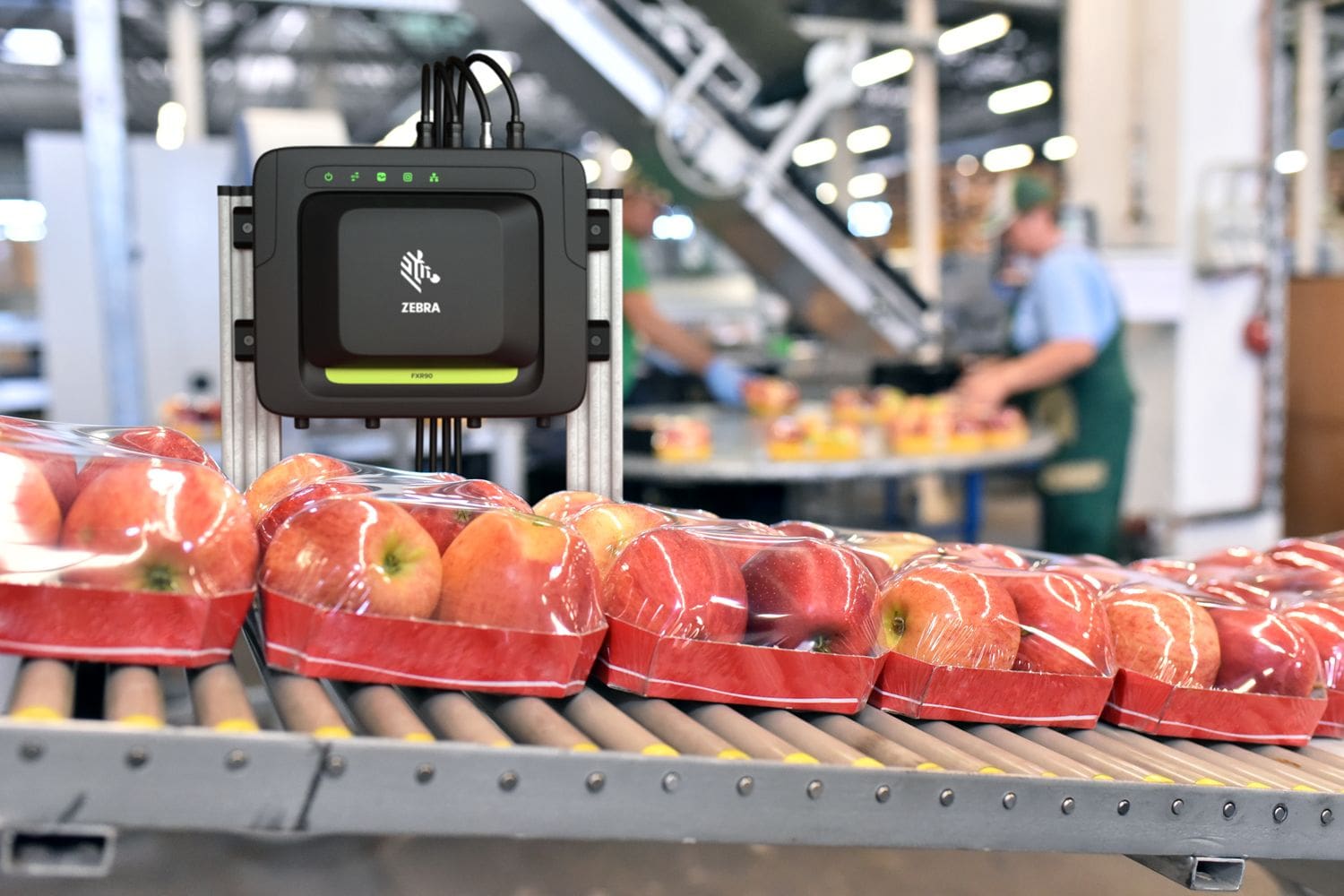
The key to a successful electronic form deployment in a warehouse or plant is choosing the right hardware. Standard consumer tablets and smartphones aren’t built for these environments. Rugged handheld computers and tablets — from manufacturers like Zebra Technologies, Datalogic, and Honeywell — are designed to withstand drops, dust, moisture, and temperature extremes while offering barcode scanning and RFID capabilities that make form data entry faster and more accurate.
When an electronic form is paired with the right device, workers can scan a barcode to populate form data automatically — eliminating the single biggest source of manual entry errors. Form logic can enforce required fields, validate data formats, and even route completed forms to the right person for review or approval, all without anyone touching a paper form.
The Bottom Line
The shift from paper to electronic forms isn’t just about going paperless for its own sake. It’s about getting better data, faster — and making that data available to the people who need it, when they need it. Organizations that make this transition typically see measurable improvements in accuracy, processing speed, and operational visibility, along with real cost savings from reduced re-keying, storage, and paper-related waste.
For most operations, electronic forms are low-hanging fruit for workflow automation: quick to implement, fast to show results, and easy for workers to adopt.
How To Learn More About Eliminating Paper Forms in Your Operation?
CSSI Technologies specializes in electronic form development for warehouse, distribution, manufacturing, and logistics environments. Our team will assess your current paper-based processes, recommend the right form platform, and deliver a solution optimized for your hardware and workflow — often in just a few days.
FAQ – Frequently Asked Questions About Adopting Electronic Forms in Warehouse and Manufacturing
What types of electronic forms work best in warehouse and manufacturing environments? The most effective electronic forms in these settings are those designed for rugged handheld computers and tablets, since those devices are built to withstand drops, dust, moisture, and temperature extremes. Forms that incorporate barcode scanning or RFID input — so workers can scan rather than type — deliver the greatest gains in speed and accuracy. Beyond hardware compatibility, the best forms enforce data quality through required fields, dropdown selections, and validation rules, and they route completed records automatically to the right system or approver.
Do we need to replace our WMS or ERP to use electronic forms? No. Electronic forms are typically designed to integrate with your existing WMS, ERP, or other back-end systems, not replace them. The form captures and validates data on the device, then pushes the completed record into your existing system via API or direct integration. Most operations are able to deploy electronic forms without any changes to their core software infrastructure.
How long does it take to convert paper forms to electronic forms? The timeline depends on the complexity and number of forms involved, but many individual forms can be scoped, built, and deployed in just a few days. Unlike large-scale ERP implementations or automation projects, electronic form conversions are typically fast, low-disruption projects. Starting with one high-impact process — such as receiving or cycle counts — allows you to demonstrate ROI quickly before expanding to other areas. CSSI can advise you and help with this process.
Will workers resist switching from paper to electronic forms? Adoption resistance is a common concern, but workers generally adapt quickly once they see that electronic forms reduce friction rather than add it. Scanning a barcode to populate a form is faster and easier than handwriting the same information, and workers no longer have to worry about illegible forms being rejected or lost paperwork creating problems downstream. Starting with a well-designed pilot on a single process helps build confidence and creates internal advocates before a broader rollout.
What hardware is needed to run electronic forms in a warehouse or plant? Consumer smartphones and tablets are not recommended for most warehouse and manufacturing environments — they aren’t designed for the physical demands of those settings. CSSI offers rugged handheld computers and tablets from manufacturers such as Zebra Technologies, Datalogic, and Honeywell which are purpose-built for industrial use, with drop resistance, sealed housings for dust and moisture, and integrated barcode scanning. The right device depends on your specific environment and workflow. CSSI is an experienced AIDC solutions provider and can guide you through device selection.