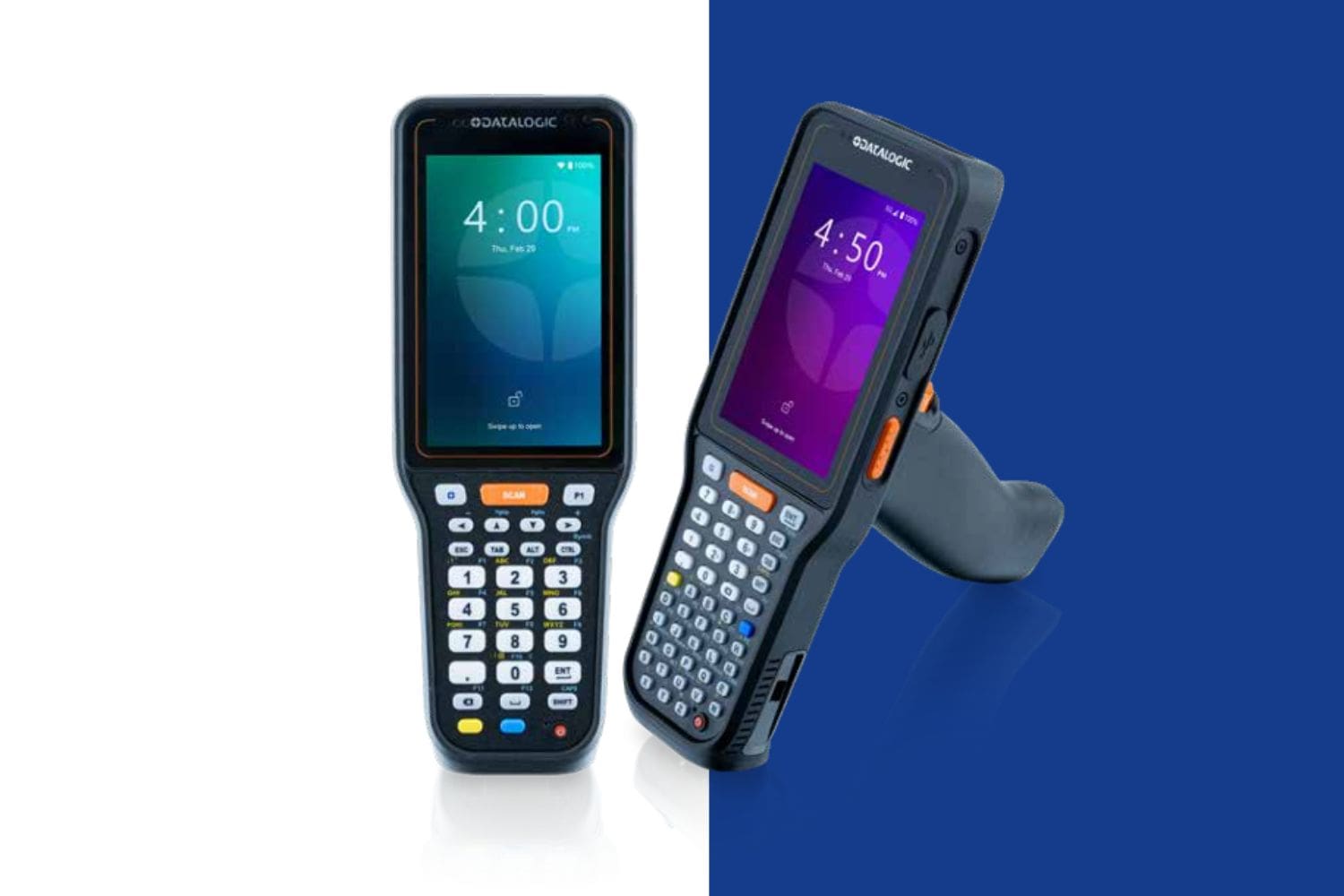
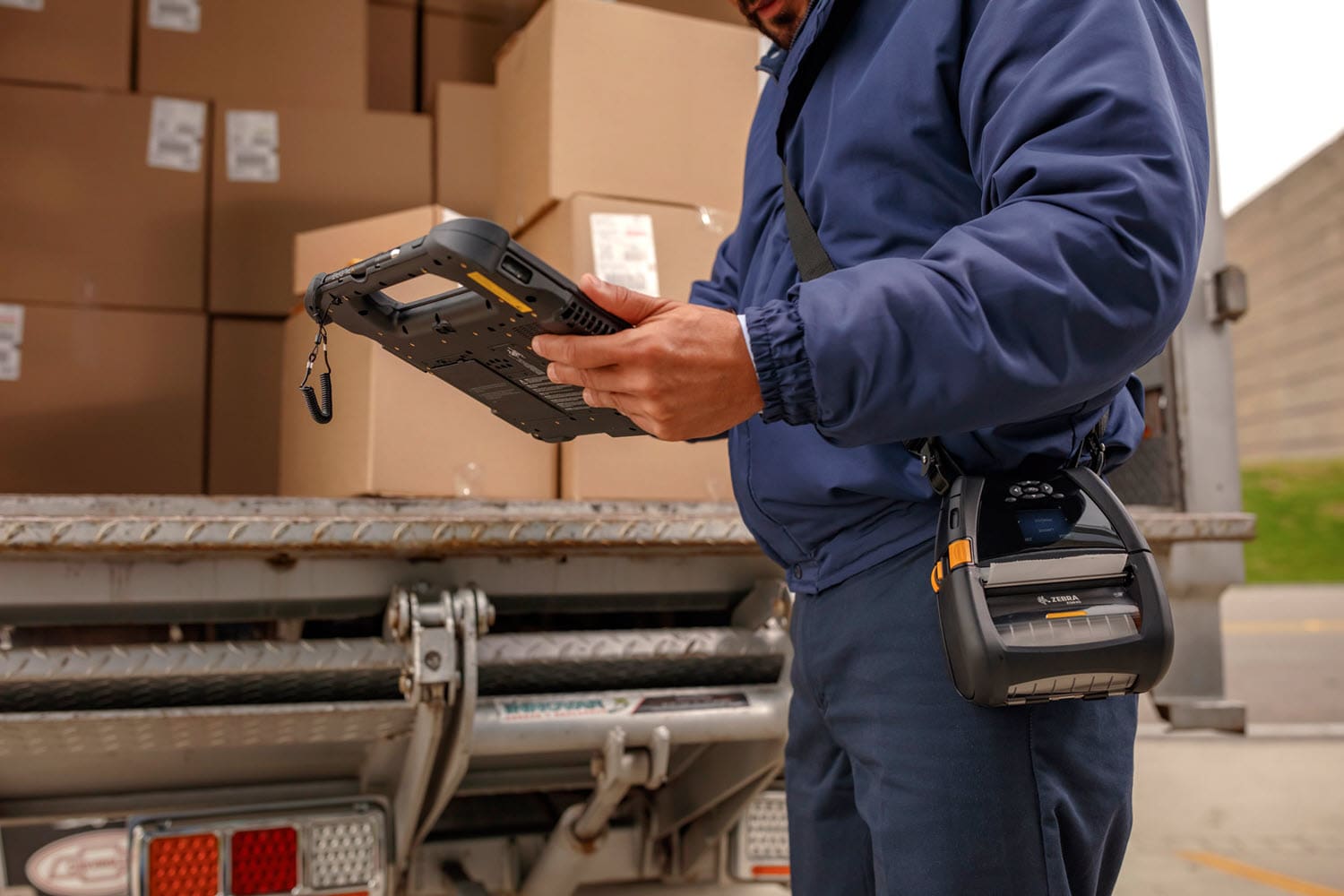
Mobile Computer Applications For Your Business Needs
Handheld computers are valuable for more than inventory management and data capture
Many companies acquire rugged mobile computers to use in inventory management and warehouse/logistics applications. That makes sense, because integrated data capture / barcode scanning capabilities allow your team to use mobile computers to pick orders and receive shipments. With better inventory management, the company can track inventory levels in real time, reduce stock discrepancies and prevent overstock or shortages.
However, if that’s all your company uses handhelds for, you are missing out on high-value opportunities gained by exploring other mobile app options…
Additional Tasks for Your Handheld Computer Fleet
1. Communication and Collaboration
Mobile communication is a constant challenge in almost all organizations. In large facilities, workers can waste substantial amounts of time seeking one another out, or trying to find task-critical information which may be held by a teammate. For remote workers required to carry more than one mobile computing device (for example, a handheld scanner and a cell phone), the company must acquire and support more devices than necessary.
Did you know that the same mobile computing device used for data capture and inventory management is also capable of communications? Mobile computers can function as two-way radios or messaging devices, enabling instant communication between warehouse workers, drivers, and supervisors. This helps streamline coordination, reduce errors, and improve response times to issues.
Options are available for handhelds and rugged tablets which offer cellular, as well as messaging and video capabilities. Mobile application options such as Zebra Workforce Connect and Honeywell Smart Talk make it easy to add secure communications ability to both your in-house and remote devices.
2. Quality Control and Inspections
What happens when quality issues are discovered? Instead of relying on paper-based checklists, your team can report damaged goods and document findings with cameras. They can capture photos, log data, and integrate with quality management systems. This allows your team to get the right information to the right people to avoid customer impact.
3. Electronic Forms
Most organizations are riddle with paper forms and clipboards, to the extent that management may not even have a complete list of all in use. Paper forms are prone to error and incorrect use, and any data to be gleaned only comes after form data is manually transcribed into a spreadsheet. As opposed to paper forms, electronic forms allow you to capture data immediately, at the source, and immediately direct it to the correct place. The mobile computers which you already have in use for other tasks can easily become data capture stations. CSSI can help you by designing electronic forms and integrating with your systems.
4. GPS and Route Optimization
In logistics and fleet management, mobile computers with GPS capabilities help optimize delivery routes, track shipments in transit, and provide drivers with real-time navigation. This reduces fuel costs and improves on-time deliveries. There’s no need to pay for additional mobile devices or take the security risk of using your employees’ personal phones. The same device you are using to track deliveries and receipts can also be used for routing and directions.
5. For Management: Employee Visibility and Productivity
With device management tools, such as mobile device management (MDM) , or authentication software ( Zebra Identity Guardian), managers can gain visibility into the whereabouts and activities of both devices and team members. Reduce your device losses, ensure devices are charged and ready for service, and provide remote support to employees who require it.
Learn More About Mobile Applications for High Value Workflows Using Your Rugged Mobile Computers
FAQ – Frequently Asked Questions About Finding More Uses for Rugged Mobile Computers
Q: We only use our rugged handhelds for barcode scanning. What else can they actually do? A. More than most companies realize. A modern rugged Android or Windows handheld is a full computer, not a dedicated scanner — it has a camera, GPS, sensors, and the ability to run multiple apps side by side with your scanning software. That same device can capture proof-of-delivery signatures, photograph damaged goods for claims documentation, run digital forms and checklists in place of paper, support voice-directed picking, and provide two-way push-to-talk communication between floor staff and supervisors. The hardware is already capable — most of it is sitting unused.
Q: Do we need to buy new devices to add these capabilities? A. Usually not. If your fleet is running a reasonably current OS version and isn’t near end of life, it can typically take on additional apps alongside the scanning app you already rely on. The exception is fleets that have stalled on older firmware — some organizations are still running Android 10 or 11 because of application compatibility concerns — where an upgrade may be needed before new use cases can run reliably. A quick fleet audit is the fastest way to find out which category you’re in.
Q: Won’t adding more apps and use cases make our devices harder for IT to manage? A. It can, if it’s done device by device. Every new app is another configuration to test, deploy, secure, and keep consistent across every facility and role. This is precisely the problem device lifecycle management is built to solve — using MDM platforms like SOTI MobiControl to define configuration profiles by job role, push new apps remotely without touching each handheld, and enforce settings fleet-wide so devices don’t drift out of sync. Expanding use cases and keeping IT’s workload flat aren’t mutually exclusive if the management layer is in place first.
Q: How do we figure out which new use case to add first? A. Look at the manual, paper-based, or spreadsheet-driven steps that already happen near your scanning workflow — proof-of-delivery paperwork, quality or damage inspections, cycle count sheets, safety checklists. These are usually the easiest wins because the data collection habit already exists; you’re just moving it onto a device your team is already carrying. Pilot the new workflow with one facility or one role before rolling it out fleet-wide, so you can work out configuration and training issues at a small scale.
Q: Where should we start if we want to expand what our devices do? A. Start with two things in parallel: an inventory of your current fleet (device age, OS version, app compatibility) and a short list of manual processes happening near your existing scanning workflow that could move onto the device instead. Together, those tell you what’s technically feasible right now and where the highest-value opportunity is. If you’d like help with either step, CSSI can assess your current fleet and configuration setup as part of a Device Lifecycle Management consultation and point you toward the use cases that make sense for your operation.