Eliminate Your Paper Forms For A Quick Productivity Boost
Convert manual-entry forms to electronic for rapid benefits
Seeking a Fast Efficiency Lift? Find the Clipboards
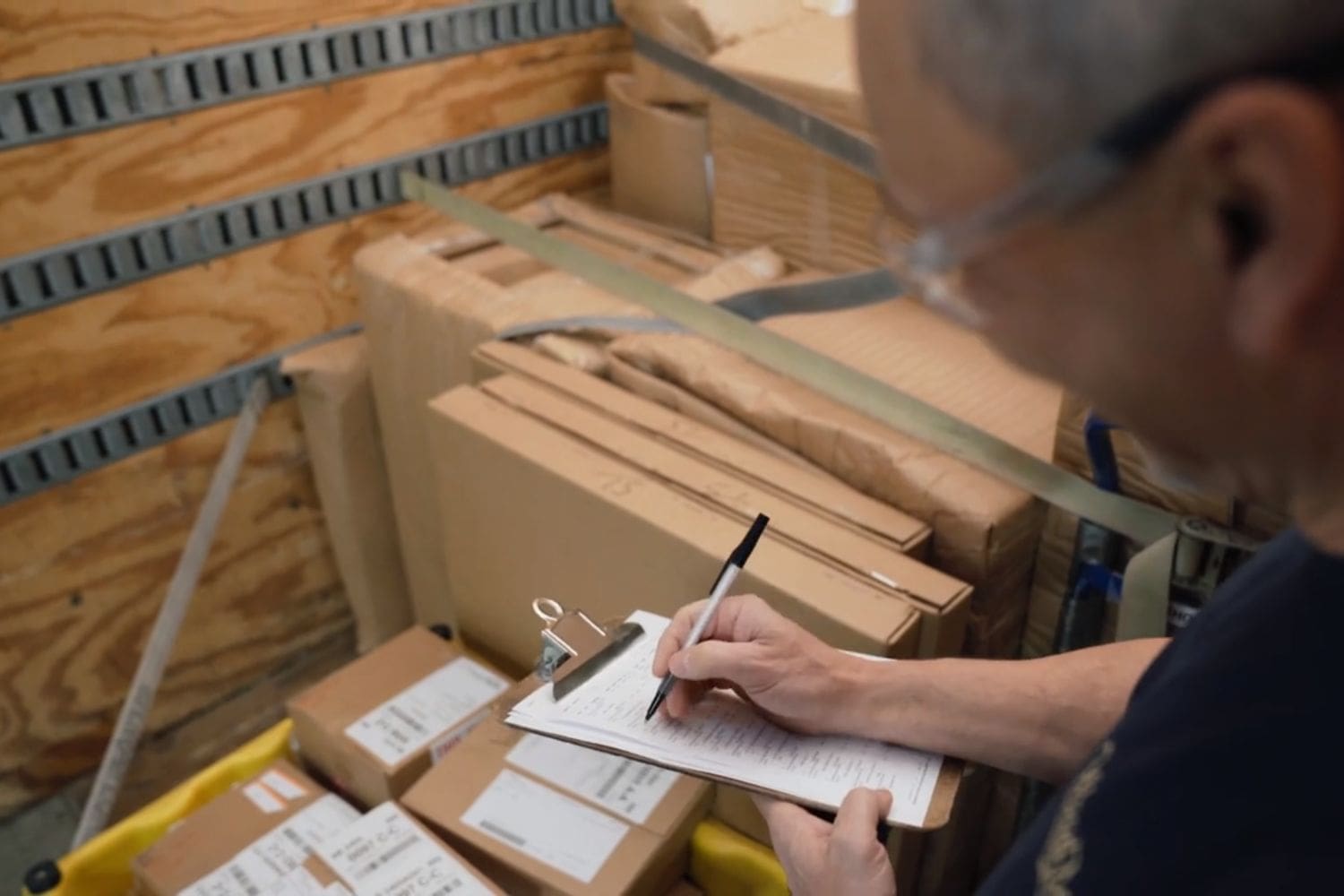
Every business seems to have a variety of paper forms in use, often attached to a clipboard. This has always been the traditional way of capturing data or documenting things. Forms are used for a wide range of purposes – QC, shipping paperwork, signature capture, just to name a few. While paper forms are easy to implement, and quickly become embedded in your business, we suggest that this is often not an ideal approach in our fast-moving modern business environment. Going paperless can bring major benefits.
Paper forms have shortcomings
Simple to implement, but problematic in practice. Here are several of the typical issues companies encounter with paper forms, often unwittingly:
Slow – Manual form data entry can be slow, particularly if much handwriting is required. Workers must take care to correctly enter information.
Error-prone – In any case where manual entry is allowed, errors will result. This can occur both when data is entered as well as when paper records are re-entered into a spreadsheet by a different person. Further, correct information may not be entered, or may not follow the desired format.
Poor data visibility – Paper form data is invisible to the rest of your organization until the paper document is ultimately transcribed to a spreadsheet. This may mean that hours, days, or even weeks pass in which information is unavailable to those who might need it.
Benefits of Electronic Forms
By contrast, digital forms address the shortcomings of paper, providing better info on a more timely basis to more people.
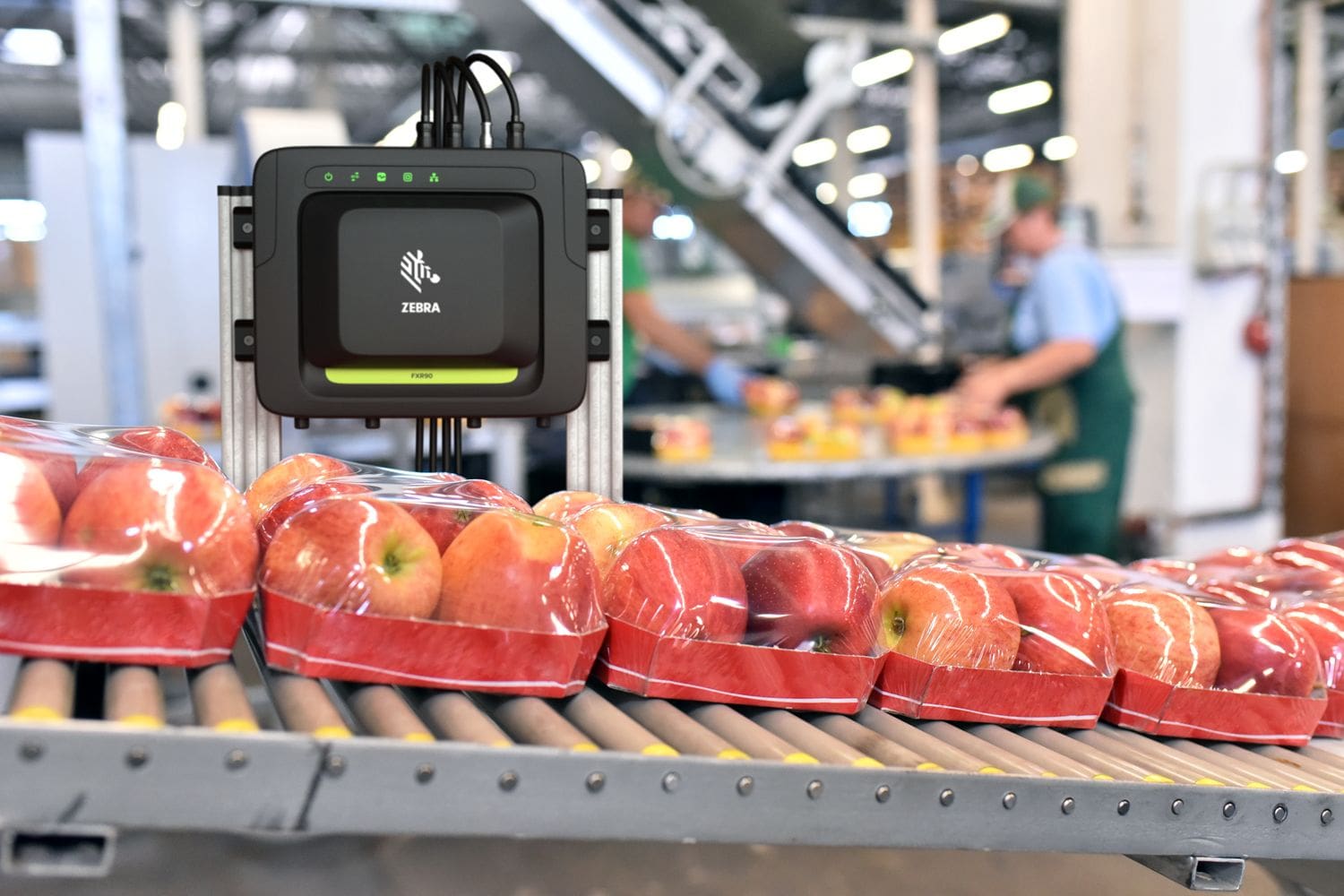
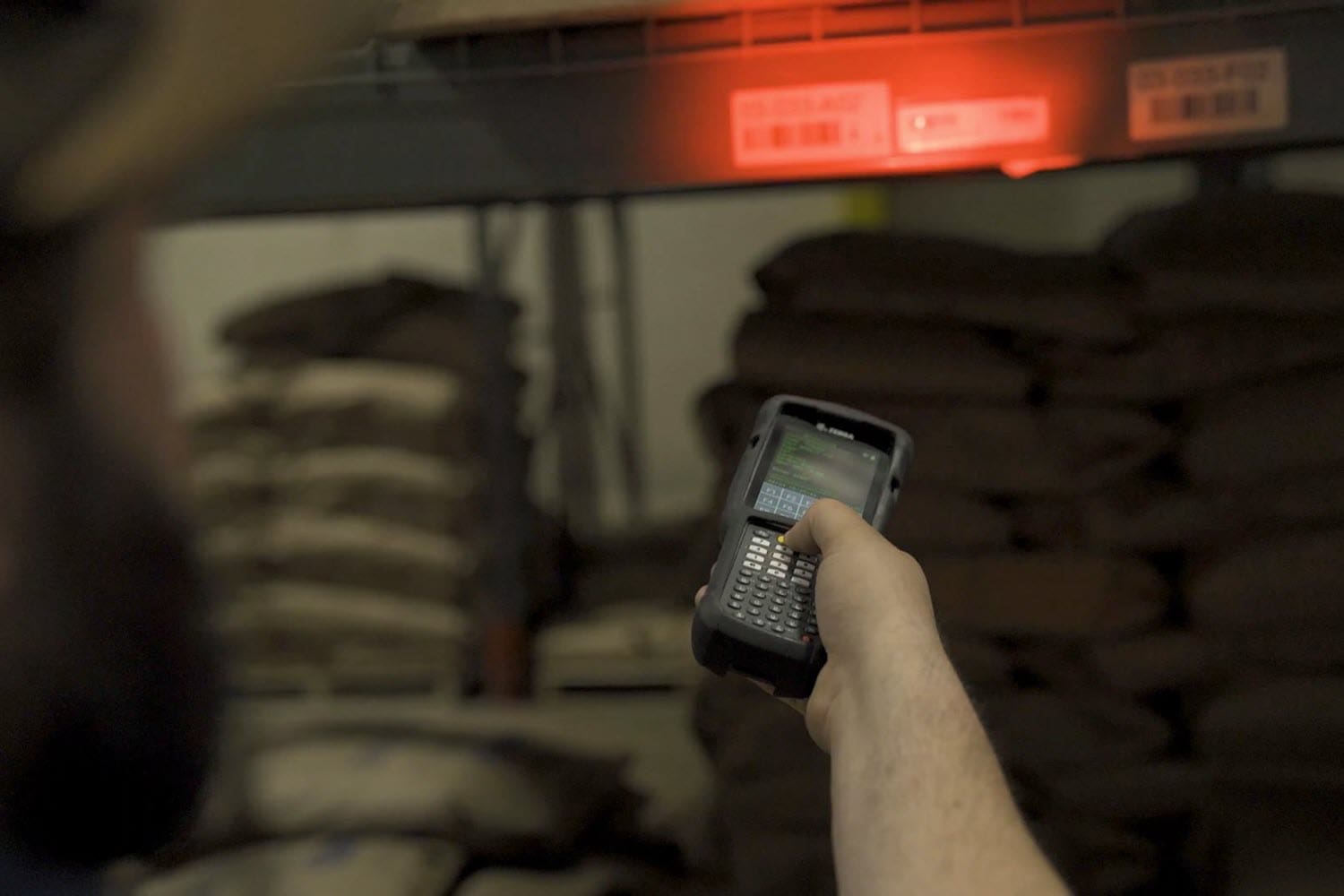
Fast – No need to transcribe part numbers or locations – capture data via barcode. Also, drop-downs can eliminate the need to manually enter common data.
Accurate – Minimize manual entry errors, and eliminate the need to re-key data from paper (removing an activity waste as well as a source of error). Further, it is possible to apply logic tests to input form data to ensure it meets expected formats.
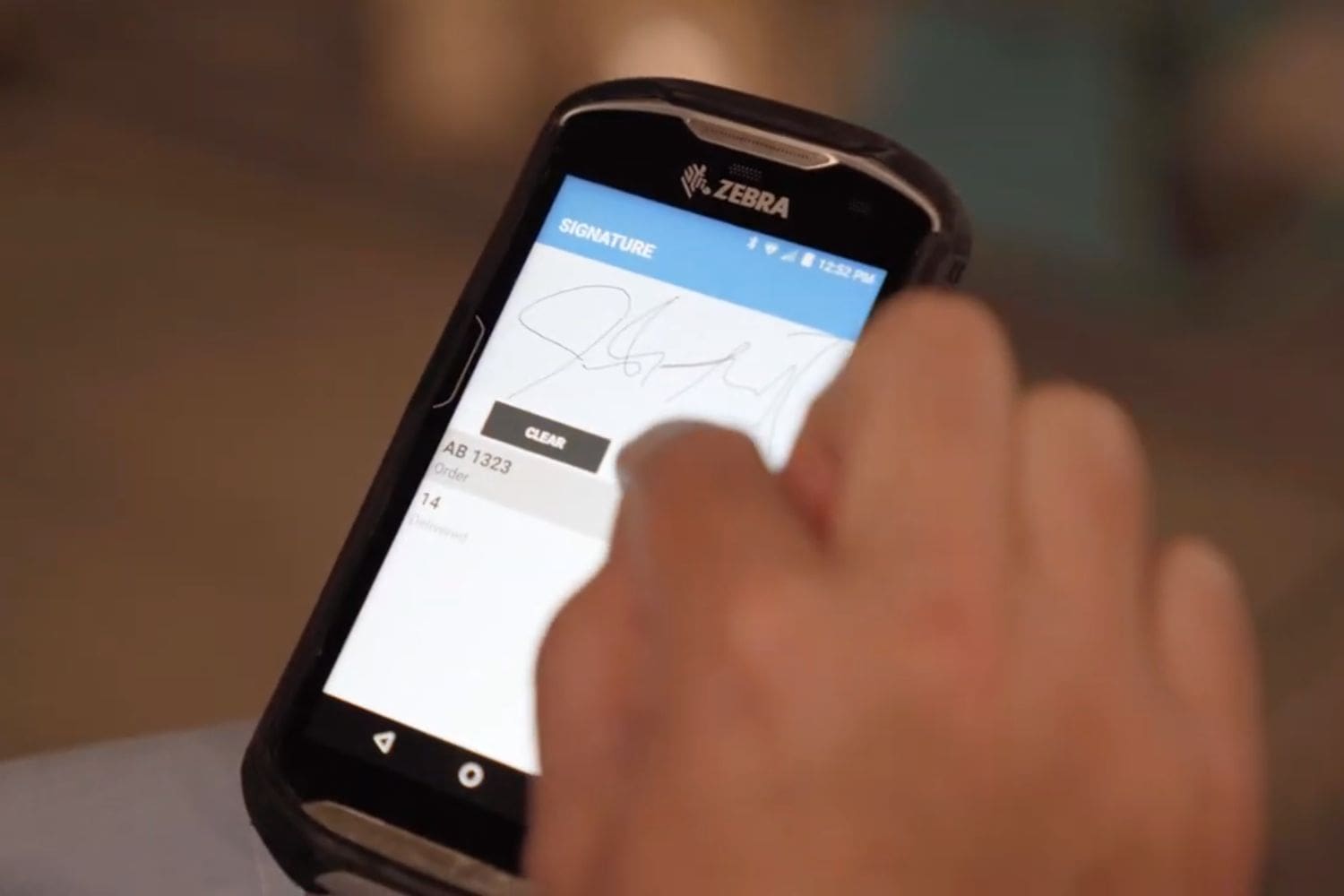
Data immediately accessible to the organization – In a fast-moving business environment it’s perhaps most important to note the speed of electronic forms. Data can immediately be made available to key stakeholders, and can be searched for later access. An electronic signature can quickly be captured, or a photo documented. This can accelerate your business operations and customer service, and save you time and money.
Electronic Forms Are An Attainable Digital Transformation
The good news is that CSSI is fluent with a number of electronic form development tools which can streamline and accelerate the form development process to eliminate paper processes. This means that we can provide a solution for you faster and at lower cost. Solutions may be provided as an online form or as locally hosted electronic documents depending on your needs.
Much depends upon the complexity of your electronic form and the digital workflow needs for the data captured. But our team’s experience with this process translates into quality responsive electronic forms which will immediately begin to benefit your team.
Digital forms projects tend to provide quick-hitting benefits. Fast to scope, design, and implement, you can start to get ROI much quicker by eliminating paper forms than through most other technology projects. This is low-hanging fruit for productivity enhancement and cost reduction.
Paper forms are slow and error-proneElectronic forms instantly convey key information
How To Get Started Converting Your Paper Forms To Electronic
Eliminate your paper forms by engaging with CSSI. Our team will work with you to assess your current paperless form needs, and will propose a solution which takes into account the ways in which your digital form data is used. Contact CSSI to get started with digital transformation of your critical paper forms.
FAQ – Frequently Asked Questions About Replacing Paper Forms with Electronic Forms
Q: Which paper forms should we convert first?
A. Start with the forms your teams fill out most often and the ones that cause the most trouble downstream. Good first candidates include receiving logs, cycle count sheets, inspection checklists, proof-of-delivery forms, and equipment or safety checklists. These usually have a lot of manual entry and re-keying, and they create delays because the data sits on a clipboard until someone types it in. Converting a few of these first gets you a quick win, and you can measure the results before moving on to other forms.
Q: Will electronic forms work with our WMS, ERP, or other business systems?
A. In most cases, yes. Electronic forms can be built as online forms or as electronic documents hosted locally, depending on where the data has to go and who needs to see it. Before development starts, a good conversion partner looks at how each form’s data is used: who reads it, which systems it goes into, and what reports depend on it. For IT, that means the format and the integration points are agreed up front rather than added after the forms are built.
Q: How do electronic forms improve data accuracy compared with paper?
A. They prevent errors at the moment of entry. Barcode scanning captures part numbers, SKUs, and locations without anyone typing them. Drop-down menus limit answers to approved choices. Logic checks reject entries in the wrong format, such as a lot number with too few characters or a date in the wrong field. Because the data is entered digitally once, no one has to retype it from paper later. Electronic signature capture and photo documentation also give you a reliable record for receiving disputes, damage claims, and compliance audits.
Q: What hardware do our workers need to use electronic forms?
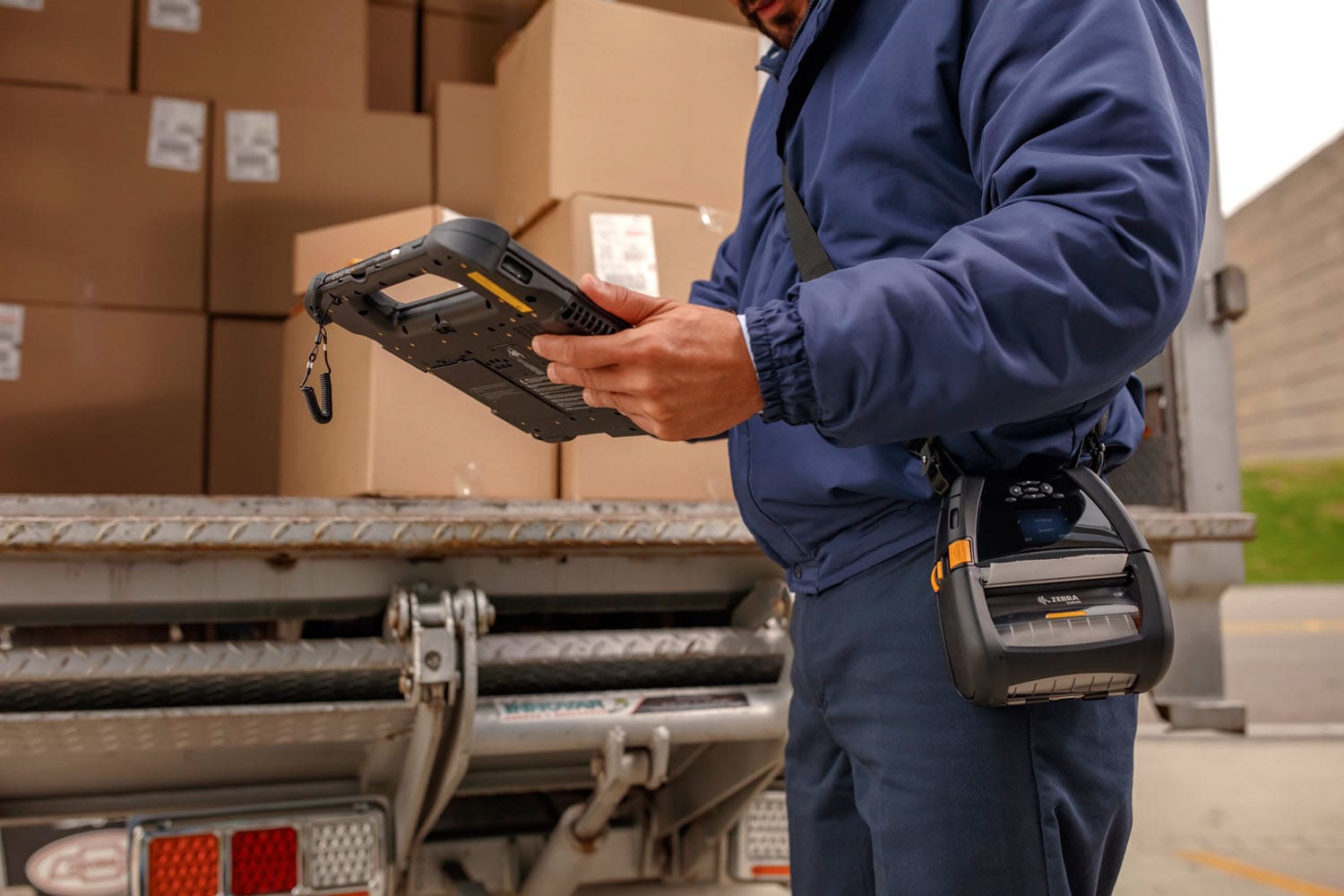
A. Usually the rugged mobile computers, tablets, or scanners your team already carries, or equipment chosen to fit each job. In a warehouse, distribution center, or cold storage facility, devices with built-in barcode scanners and cameras work best because one device can scan, take photos, and capture signatures. When choosing hardware, consider the environment (drops, temperature swings, condensation), battery life across a full shift, and Wi-Fi coverage in every area where forms are filled out. For areas with weak coverage, ask whether the forms can store data on the device and sync it once the device reconnects.
Q: How long does a paper-to-electronic form project take, and when will we see a return?
A. Faster than most technology projects. Form conversions are relatively easy to scope, and electronic form development tools shorten the build time and lower the cost. Many organizations start seeing a return soon after rollout. The gains come from less time spent on data entry, fewer errors to fix, and supervisors and customers getting information right away instead of waiting until the end of a shift. That makes form conversion one of the easiest ways to improve productivity and cut costs in warehouse and logistics operations.