What is Telnet Modernization and Why Should You Care?
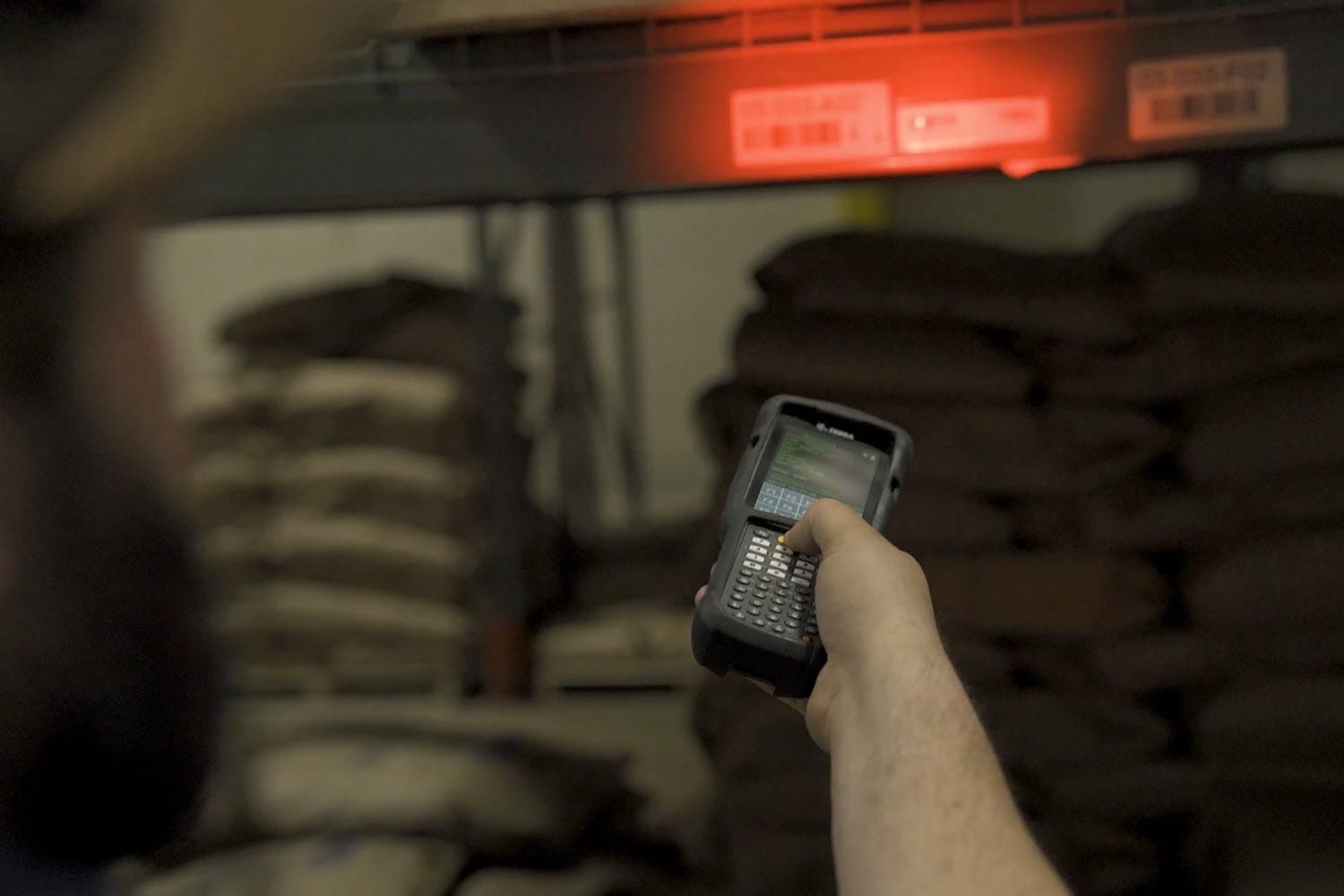
Workers are our most valuable asset, so finding ways to improve employee retention and overall productivity is critical for businesses today. Telnet modernization is one way to achieve both goals simultaneously, by improving the graphic interface of the mobile devices used by your warehouse or production team.
How Terminal Emulation Works
Terminal emulation uses a protocol, typically telnet, to allow a given computer to appear to be networked to a server or mainframe. Terminal emulation translates the input or output data between the host computer and the mobile device so that the data can be displayed on the mobile computer screen. Terminal emulation is typically used when connecting with backend systems running on servers such as the IBM AS400.
How Telnet Modernization Creates a Better Interface
Standard terminal emulation produces a very basic, text-only screen. This is commonly referred to as a ‘green screen’. As an older interface, default terminal emulation does not support graphics or touch interface. All interaction is through keys. This creates user interactions which are quite linear in nature, and a GUI which is extremely basic.
Which device would you rather interact with all week long in the warehouse?:
Telnet modernization software such as Ivanti Velocity can quickly create a color and graphic interface which modern workers find much more familiar. Also, by enabling the touchscreen capability of the mobile device, TE modernization can allow workers to boost productivity.
Some of the many benefits of telnet modernization include:
User-friendly color and graphical interface
Touchscreen compatible reduces key taps (and possibly eliminates the need for a keyboard)
Enables the coding of shortcuts to save steps in the workflow, boosting productivity
Faster training and fewer errors due to a clearer interface
Mobile Devices Commonly Using Telnet
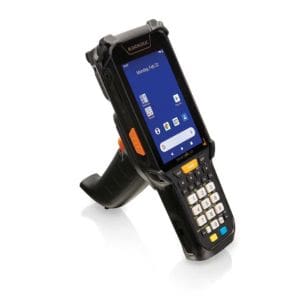
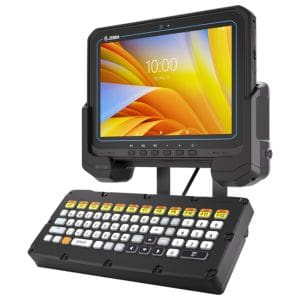
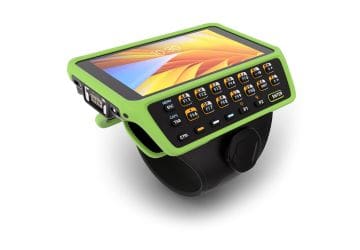
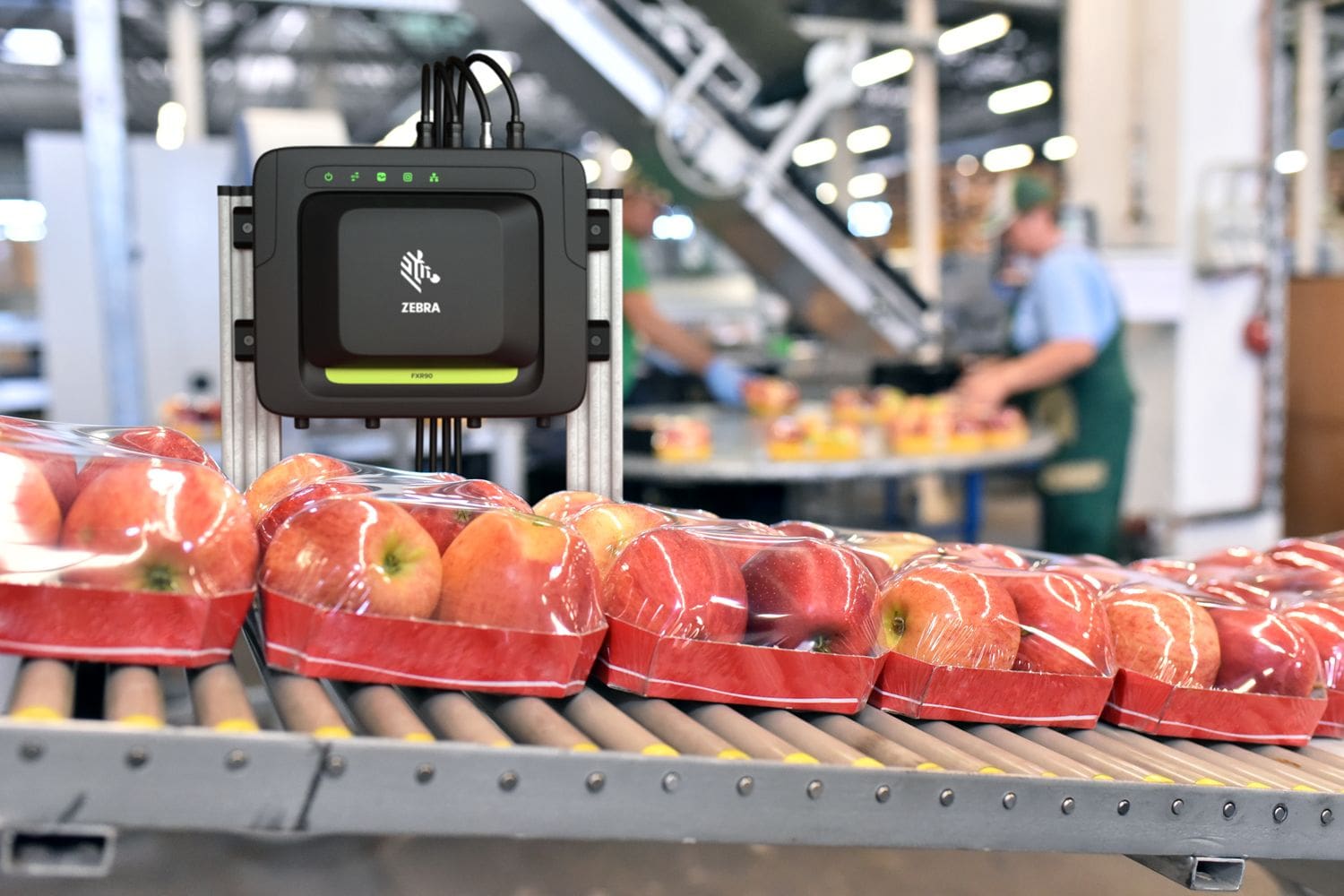
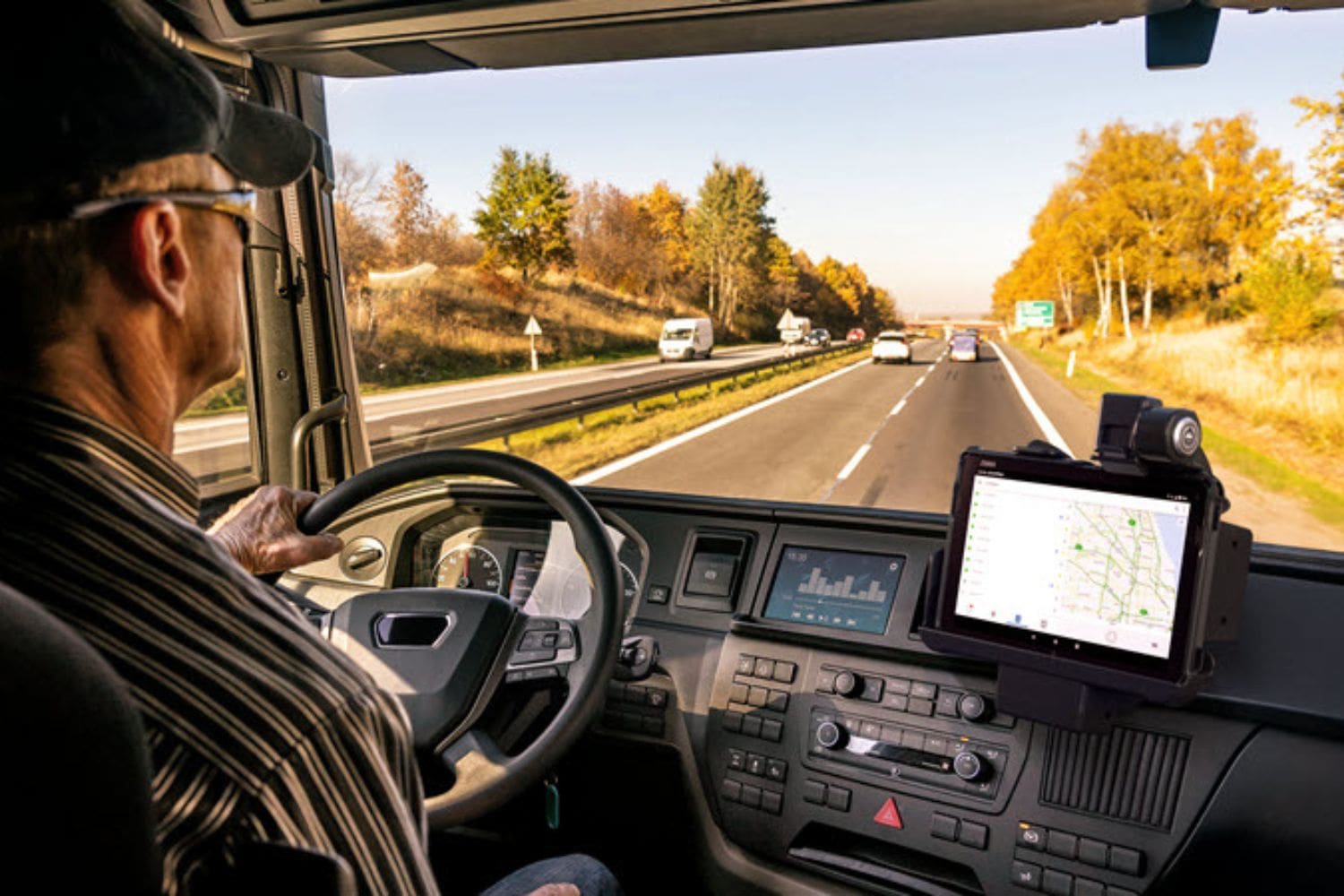
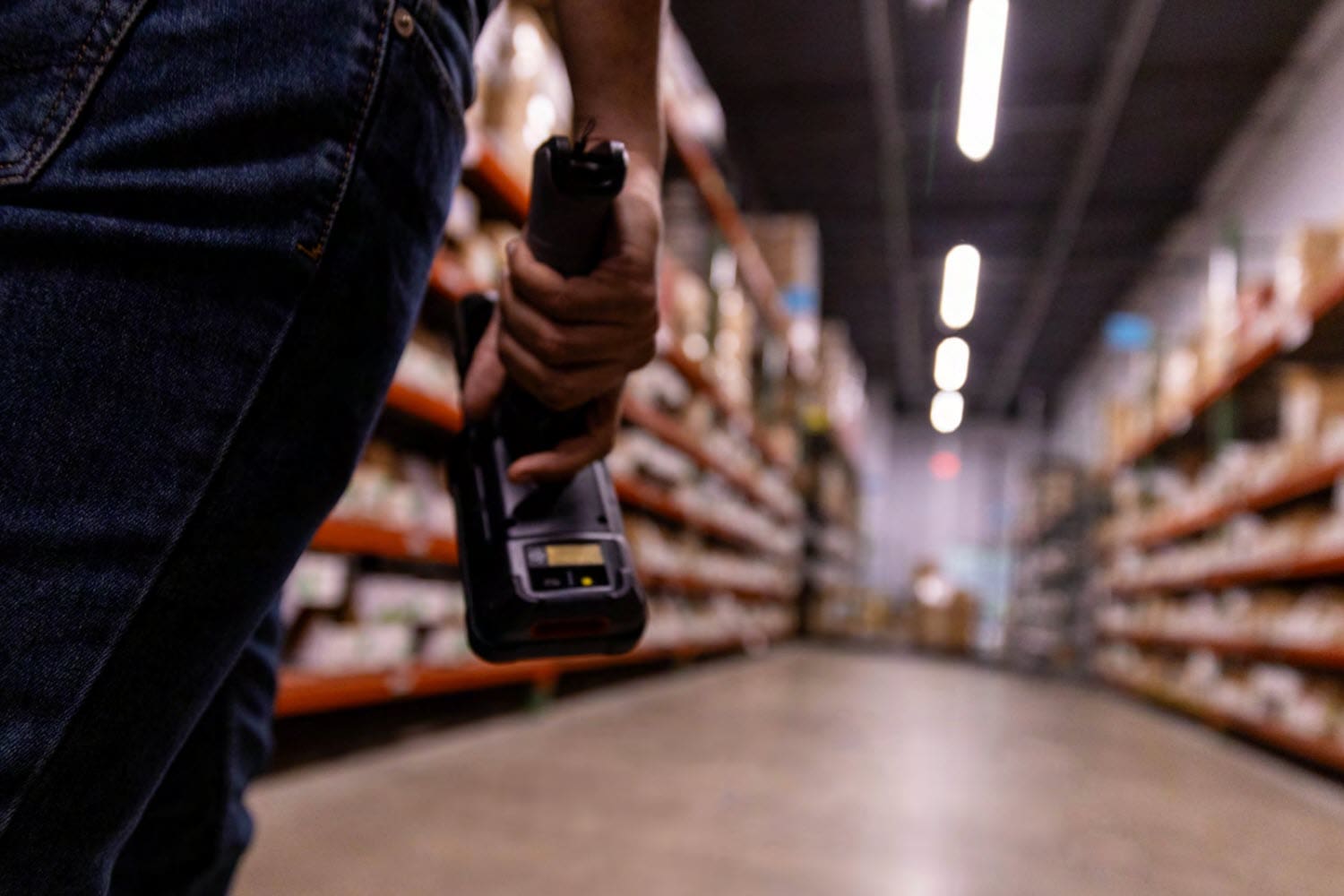
As telnet is often used in the warehouse and production environment, we often have cause to use it on mobile devices used in those workflows.
FAQ – Frequently Asked Questions About Telnet Modernization
Q: What does “modernizing telnet screens” actually mean, and does it require replacing our WMS or host system? A. No — modernization doesn’t touch your host applications, WMS, or ERP logic. Telnet-based (“green screen”) applications still run on the back end exactly as they do today; what changes is the interface your warehouse workers see and interact with on their mobile computers. A migration layer sits between the legacy host and the device, translating the same text-based screens into a modern, touch-friendly Android interface — with visual cues, color-coded fields, and simplified navigation — without rewriting the underlying business logic. That’s what makes this a lower-risk, lower-cost path than a full application rewrite.
Q: Our workforce is already trained on the current green-screen system. Won’t this create a retraining burden and slow down operations? A. It’s typically the opposite. Because the underlying workflows and data entry sequences stay the same, experienced staff can usually keep working with minimal disruption. Where modernization pays off is with newer hires: a difficult-to-read, keyboard-driven green screen is unfamiliar and intimidating to workers used to smartphone-style interfaces, which extends onboarding time. A modernized, touchscreen UI with visual highlighting of critical fields tends to shorten ramp-up time and reduce data-entry errors, rather than adding training overhead.
Q: A lot of our terminal emulation still runs on aging handhelds with operating systems approaching end-of-support. Does modernizing the screens solve that problem too? A. Screen modernization and device refresh are related but separate decisions, and they’re worth sequencing deliberately. Legacy handhelds running unsupported operating systems carry real security exposure — no more patches, and growing incompatibility with newer wireless and MDM standards. Moving your telnet applications onto current Android rugged mobile computers addresses both problems at once: you get a supported, secure OS and the modernized interface running on hardware built for warehouse, cold storage, or manufacturing environments. Migrating the screens first onto interim hardware, or migrating and refreshing together, are both workable paths — the right sequence depends on how close your fleet is to end-of-life.
Q: What’s the actual business case? Where does the ROI come from beyond “it looks nicer”? A. The return typically shows up in a few measurable places: faster task completion once visual cues and streamlined workflows cut down on misreads and re-keying; reduced training and onboarding cost for seasonal or high-turnover labor pools; fewer errors in picking, put-away, or inventory transactions that trace back to a hard-to-read screen rather than a process failure; and improved security posture from running on current, supported operating systems. Because the migration layer reuses your existing host logic rather than rebuilding it, the implementation cost and timeline are also considerably smaller than a ground-up application rewrite — which shortens the payback period.
Q: How disruptive is the rollout, and can we pilot it before committing across the whole operation? A. A phased rollout is the standard approach, and it’s worth insisting on one. Because the modernization layer sits on top of your existing telnet applications rather than replacing them, most deployments start with a proof of concept on a single workflow, device group, or site — validating screen mappings, scanning performance, and user acceptance before wider deployment. From there, additional capabilities (workflow automation, voice-directed steps, barcode/RFID data capture) can be layered in incrementally. This keeps day-to-day operations running throughout the transition and gives IT a concrete before-and-after comparison to justify further investment. CSSI can design sample screens for you to test with your users to gain acceptance and vet the benefits, before committing to the full project.