Multi-language Telnet Screens for Non-Native English Speakers
Reduce Training Time and Improve Productivity in Multi-Lingual Warehouses
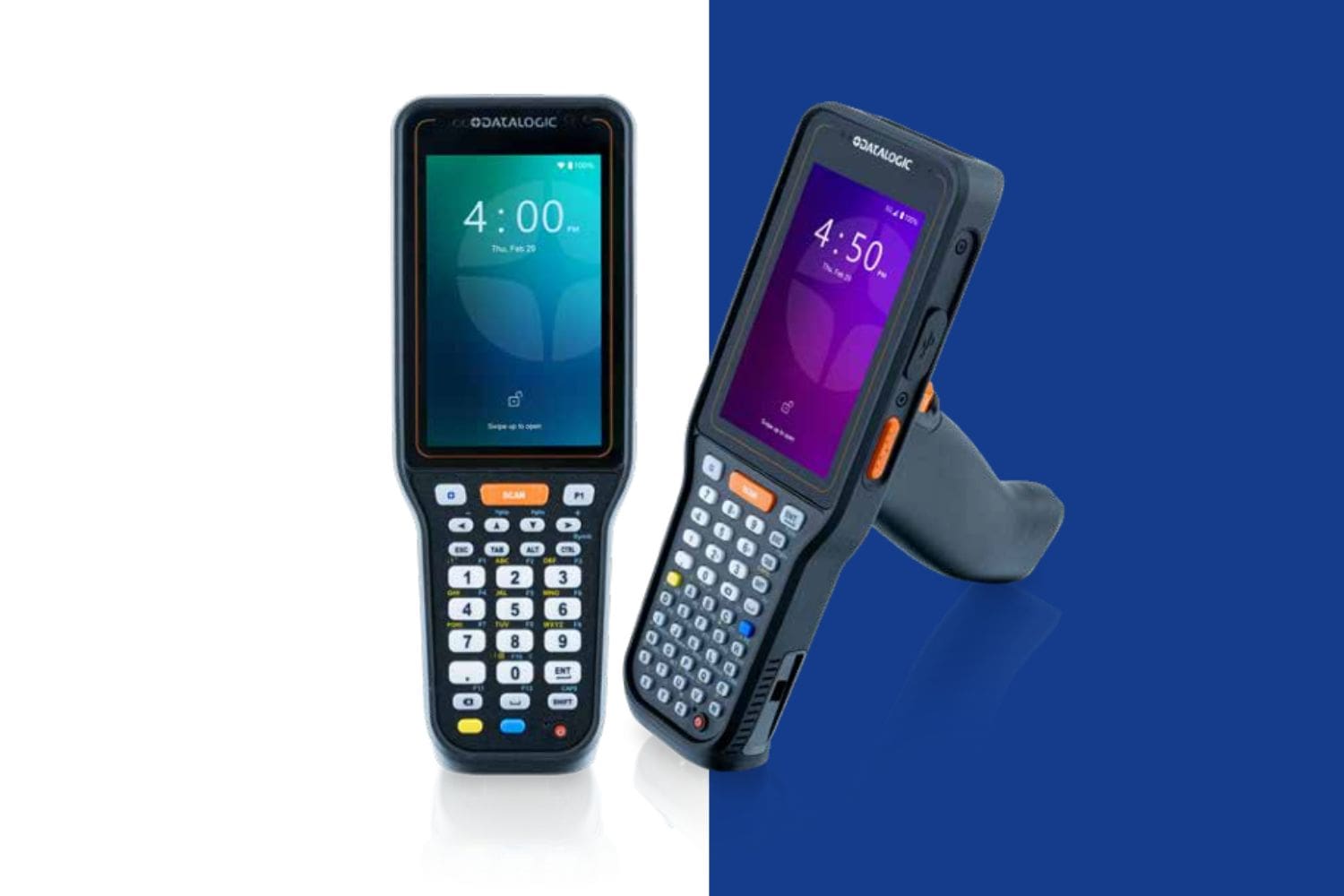
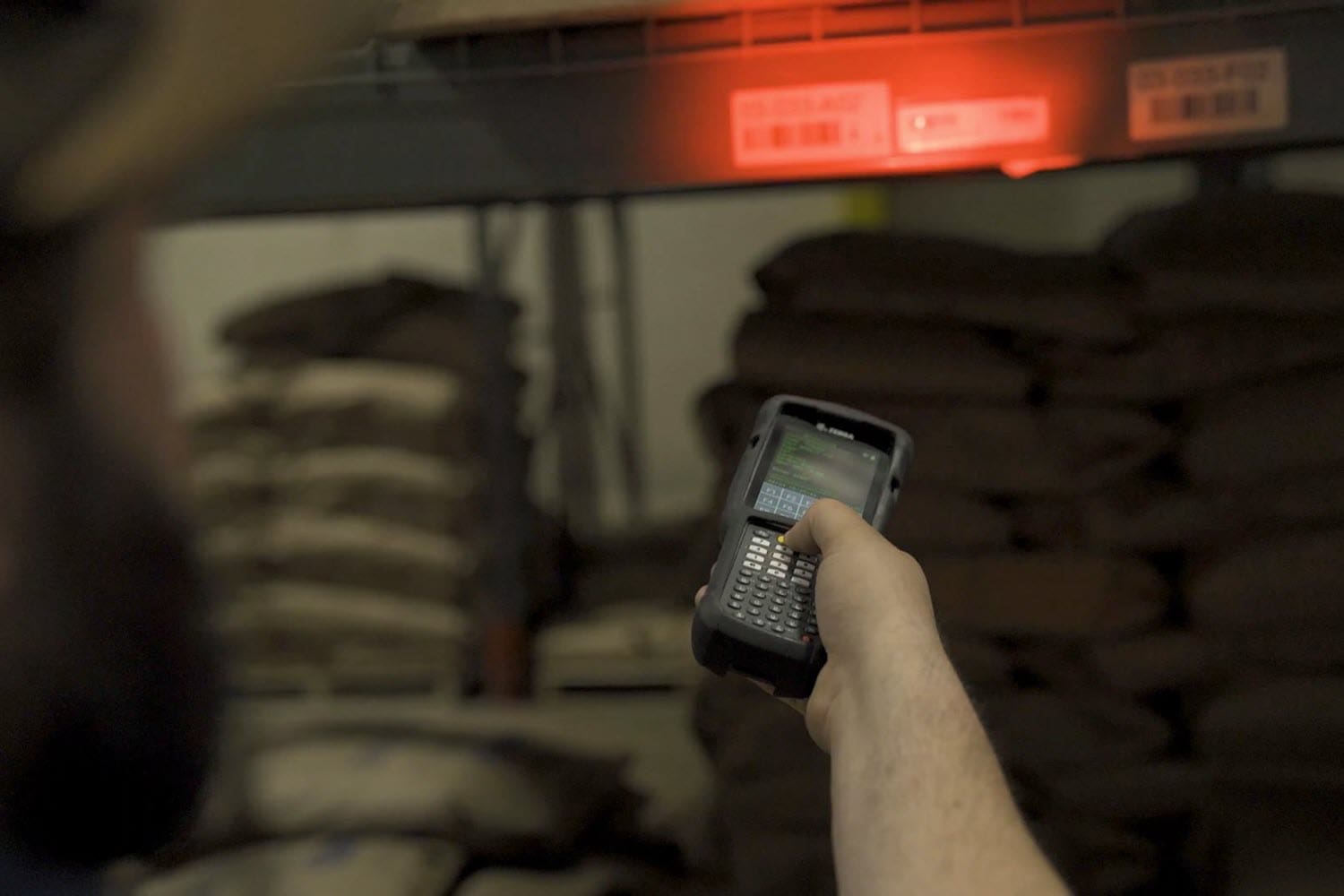
Warehouses which utilize mobile devices running telnet/TE (the ‘green screen’) have for some time been able to take advantage of CSSI’s screen modernization capabilities, which enable users to take convert old-style green screens to modern touch-sensitive screens without touching complex back-end systems.
Now, we can take it even further… warehouses are diverse work environments. In many businesses, non-english or non-native-english speakers comprise a majority of employees. This complicates training, slows down workers, and has quality control implications.
CSSI can create alternate sets of screens which enable your workers to interact in their preferred language… and this can be done without impacting your back-end systems!
Imagine how much easier it would be to onboard non-native english speaking employees if they were able to interact with handheld computers in their native language!
Here are some side-by-side examples of english/spanish screens. We can customize your screens to suit your preferences and needs:
Contact CSSI to discuss the possibilities unlocked by screen modernization and multi-lingual screen tools.
FAQ – Frequently Asked Questions About Multi-Language Telnet Screens
Q: Why should we offer device screens in languages other than English?
A. In many warehouses, non-native English speakers make up a large share of the front-line workforce. When those workers have to read screen prompts, field labels, and error messages in a second language, they slow down, hesitate, and ask supervisors for help more often. Presenting screens in each worker’s preferred language removes that barrier. Employees can focus on picking, putting away, receiving, and shipping instead of translating each prompt in their heads. The result is faster task completion, more confident workers, and less supervisor time spent explaining what a screen is asking for.
Q: Will adding multilingual screens require changes to our WMS, ERP, or host system?
A. No. This is often the first concern for IT directors, and it is one of the strongest advantages of the approach. CSSI builds alternate sets of screens that sit on top of your existing telnet/terminal emulation (TE) application. Your back-end system keeps sending and receiving the same data it always has. The translation happens at the presentation layer on the mobile device. There’s no need to re-code host applications, open a project with your WMS vendor, or put your core systems at risk.
Q: How do multilingual screens affect training time and onboarding?
A. Training is where many operations see the fastest payoff. New hires who can work in their native language learn workflows faster because they are learning the job, not a second language at the same time. Trainers spend less time repeating instructions, and new employees reach full productivity sooner. In operations with high turnover or seasonal hiring peaks, shorter onboarding cycles add up quickly in labor savings and throughput.
Q: Can multilingual screens help reduce errors and improve quality control?
A. Yes. Misread prompts are a common source of costly mistakes, such as wrong quantities, wrong locations, skipped confirmations, or ignored exception messages. When workers fully understand what each screen is asking, they are more likely to enter the correct information and respond properly to warnings. Fewer mis-picks and data entry errors mean better inventory accuracy, fewer customer complaints, and less rework for your team.
Q: How do multilingual screens fit with telnet screen modernization, and how do we get started?
A. They work hand in hand. CSSI’s screen modernization converts traditional “green screen” telnet applications into modern, touch-friendly screens, again without touching your back-end systems. Multilingual screen sets build on that foundation, so you can modernize the look and usability of your applications and support multiple languages in a single project. Screens can be customized to your workflows and preferences. To discuss which languages and applications make sense for your operation, contact CSSI at 570.524.4424 or through the contact form.