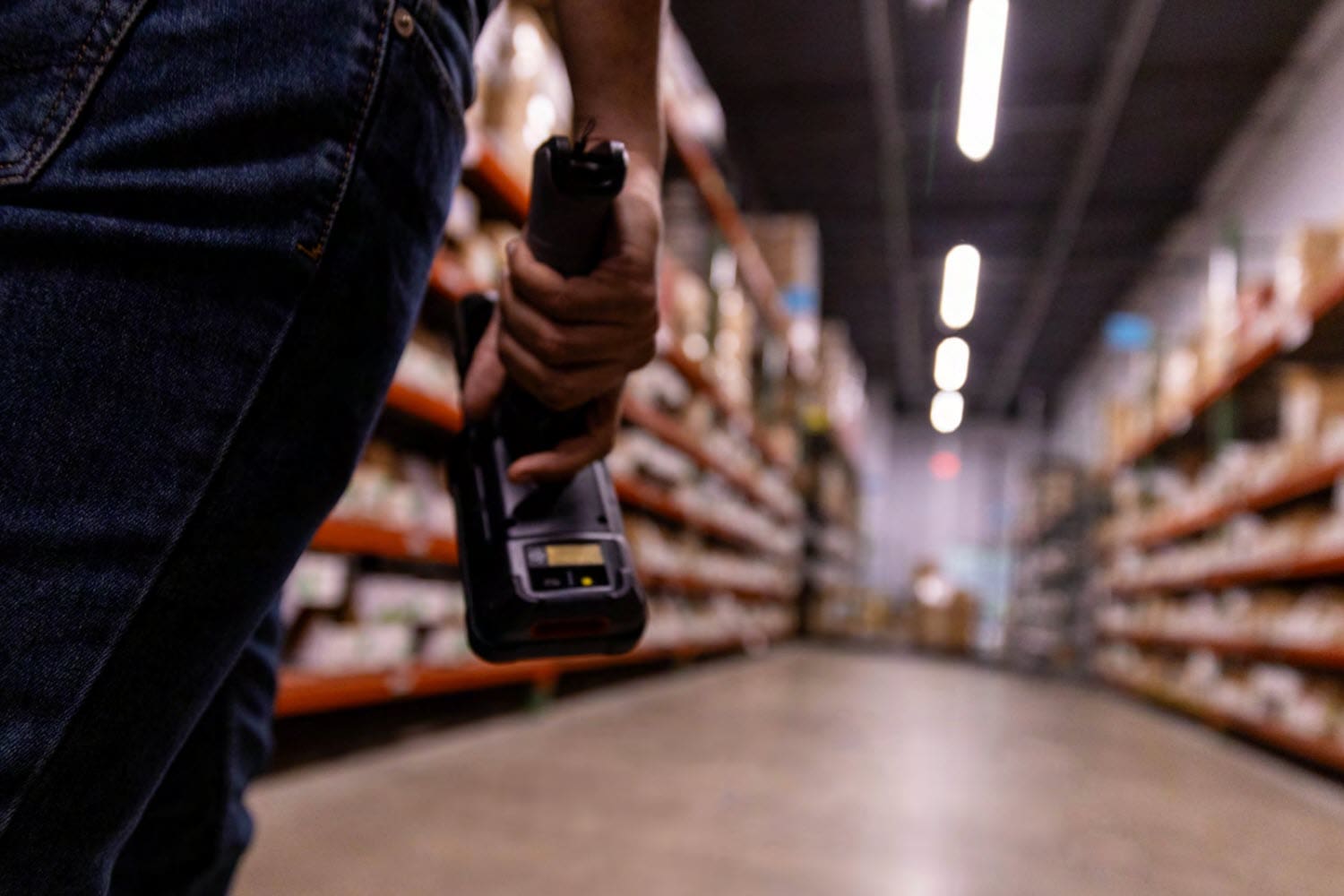
Windows Intrinsically Safe Tablet for Hazardous Areas / ATEX: Aegex 100M
Non-incendive tablet option from Aegex
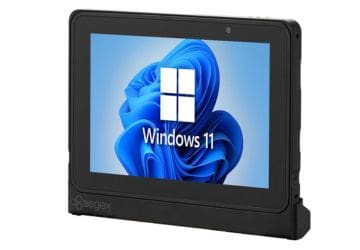
New Aegex 100M Intrinsically Safe Tablet PC
If you are searching for an intrinsically safe tablet solution rated for stringent hazardous environments , we have an attractive new option for you. The 100M rugged Windows tablet from Aegex Technologies is certified for C1D1 and ATEX Zone 1 and Zone 0. It’s loaded with useful features for users in a hazardous area / ATEX zone, including a capacitive touch screen, tough aluminum case, and Win11 OS.
Key Features of the Aegex 100M Tablet PC
The 100M Aegex tablet will accommodate your software and your working requirements:
Certified ATEX/IECEx Zone 1, Zone 0, and Class I, Div 1
Windows 11 operating system
8GB RAM
Rated for operating temperatures -20C to 55C!
Capacitive touch screen for gloves or pen
Ergonomic design improves grip
Suitable for Your Hazardous Area
Aegex Technologies understands the needs of hazardous environments. Deploy the 100M ATEX tablet in:
FAQ – Frequently Asked Questions About the Aegex 100M and Deploying Tablets in Hazardous Locations
Q: What does “intrinsically safe” mean, and which hazardous locations is the Aegex100M actually rated for? A. Intrinsically safe means the device is engineered so it cannot generate enough electrical or thermal energy to ignite a surrounding explosive atmosphere, even under fault conditions. The Aegex100M is ATEX/IECEx Zone 1 certified, Class I Division 1 rated, and reaches Zone 0 when paired with the Aegex Zone 0 Case. In practical terms, this covers most oil & gas, chemical, pharmaceutical, and utility environments where flammable gases or vapors may be present continuously or during normal operation, not just occasionally.
Q: Can we save money by putting a rugged case on a regular consumer or enterprise tablet instead of buying a certified device? A. No — a protective case addresses drops, dust, and moisture, but it does nothing to change the device’s internal electrical characteristics, which is what hazardous location certification actually governs. A standard tablet’s battery, circuitry, and components can still generate a spark or enough heat to ignite gas or vapor, regardless of what’s wrapped around the outside. Only a device engineered and certified as intrinsically safe, like the Aegex100M, is legally and practically suitable for Zone 0/1 or Division 1 areas.
Q: Will the Aegex100M run the business software and apps our team already uses? A. Yes. The Aegex100M is built to support hundreds of standard business applications, so most existing workflow, maintenance, and inspection software should run without requiring a specialized or stripped-down alternative. This matters for deployment planning, since it typically means field teams can keep their current app stack rather than retraining on hazardous-location-specific software.
Q: How does the Aegex100M hold up to the physical conditions in our facility? A. It’s built with a hard-anodized aluminum casing and a capacitive touchscreen operable with gloves or a pen, and it’s rated for a -20°C to +55°C operating range. That combination is designed for the temperature swings, grime, and glove use common in oil & gas, chemical processing, and utility field environments, without sacrificing touchscreen responsiveness.
Q: What’s different about deploying and supporting certified tablets compared to our regular device fleet? A. The main difference is upfront: certified devices, accessories, and any add-on cases (like the Zone 0 Case) need to match the hazard zone/division of each deployment area, so IT and safety teams should map out zone ratings by location before rollout. Aegex provides datasheets, user guides, and certification documentation to support that planning, along with driver downloads and direct specialist consultation, so the day-to-day management side (app deployment, updates, support) doesn’t need a fundamentally different process from a standard mobility fleet.