How to Boost Warehouse Productivity with Handheld Screen Modernization
Does Terminal Emulation Hold Back Your Worker Productivity?
Many warehouses and manufacturing businesses utilize terminal emulation environments (TE) in order to interact with their back-end systems on a mobile device or rugged tablet. TE, also referred to as telnet, is a well-established technology for this purpose, however, it is not without drawbacks:
A monochromatic green screen is difficult to read
Inability to take advantage of modern touch interfaces
Difficult for mobile computer users to learn – non-intuitive interaction with the software utilizing the keybord
As the turnover of mobile workers accelerates and warehouse volumes increase, it’s important to reduce training time while improving the efficiency and productivity of mobile users.
Modernized TE Screen Benefits
In the brief video above, you can see side-by-side comparisons of a typical TE green screen compared with a modernized screen . Note the improved legibility, the intuitive use of buttons, color, and graphics, and the ability to reduce ‘touches’. Which screen would you prefer to work with during a busy day?
CSSI is able to modernize TE screens without making changes to back-end systems! This is critical to know, because it means that you can quickly adjust the way information is presented on mobile devices without having to get under the hood of complex legacy software. Our modernization software runs on the device, controlling how data is presented on the mobile screen without changing any information in the back-end.
Ability to adapt to special user needs (can even accommodate multiple languages)
Reduction of taps and key entries
Boosted user productivityFaster training of new users
Improved ergonomics with superior user interface
Ability to adapt to special user needs (can even accommodate multiple languages)
Reduction of taps and key entries improves efficiency
Enables rapid migration from old Windows Mobile devices to Android, including existing applications
Increased productivity of mobile workers
More About Handheld Screen Modernization
To learn more about how CSSI can help to modernize your mobile device beyond the green screen, while improving inventory workflow and existing systems, please contact us today.
FAQ – Frequently Asked Questions About Selecting Workflows for RFID Technology
Q: Will modernizing our telnet screens require changes to our WMS, ERP or other host systems?
A. No. Screen modernization runs on the mobile device and changes only how host data is presented to the worker. Your warehouse management system, ERP and host applications keep sending the same telnet data they always have, so you don’t need custom back-end development, code freezes or a risky system cutover. For IT directors, this means you get a modern user experience while your proven core systems stay intact. CSSI’s telnet specialists map each existing screen to its modernized version, so every transaction your operation relies on behaves the same way, just with a clearer, touch-friendly interface.
Q: How does a full-color, touch-enabled interface actually improve warehouse productivity?
A. Traditional green-screen telnet makes workers read dense text and move through fields with function keys and keystroke sequences. A modernized screen replaces this with large, color-coded buttons, clear prompts and logical layouts, so workers complete tasks with fewer taps and fewer key entries. Fewer steps per transaction add up over thousands of picks, putaways and cycle counts each shift. Clearer screens also reduce input errors, so less time goes to fixing mispicks, inventory discrepancies and shipping mistakes. For warehouse managers, the result is more consistent throughput and fewer exceptions to chase down.
Q: We’re migrating from Windows Mobile/CE devices to Android. Does screen modernization help with that transition?
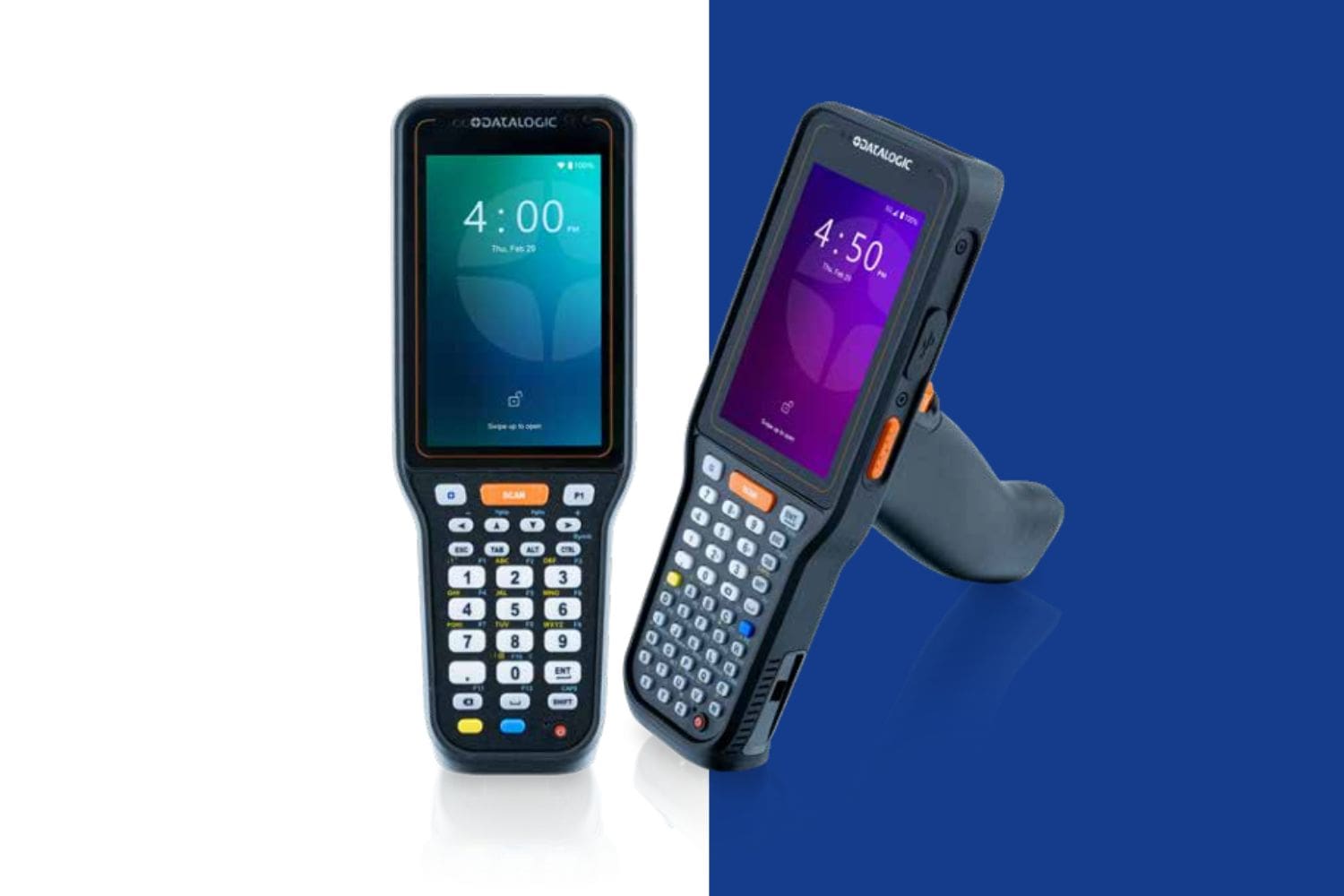
A. Yes, and the migration is often the best time to do it. Legacy telnet applications were built for older keypad-centric devices, while today’s Android mobile computers from Zebra, Honeywell and Datalogic are designed around touchscreens. Modernizing your telnet screens lets your existing host applications run well on new Android hardware without rewriting them. CSSI can coordinate device selection, terminal emulation configuration, screen modernization and deployment as one project, so you avoid juggling several vendors and your workers get both new devices and an easier interface at the same time.
Q: How does modernization affect training time and workforce turnover challenges?
A. Seasonal hiring and high turnover mean warehouses are always training new associates, and green-screen telnet has a steep learning curve for workers used to smartphone-style apps. A modernized interface feels familiar from day one, so new hires get productive faster and need less hands-on time from supervisors. Modernized screens can also support multiple languages and other user-specific needs, which helps diverse workforces work accurately and confidently. Shorter onboarding frees trainers and leads to focus on running the floor.
Q: What does CSSI’s professional services team provide, and why not handle modernization in-house?
A. Screen modernization takes both telnet expertise and an understanding of how warehouse workflows actually run. CSSI’s professional services team brings experience in both areas. A typical engagement includes reviewing your current telnet screens and workflows, designing modernized screens around how your workers really perform each task, configuring and testing on your target devices, and supporting rollout across your sites. Because CSSI also provides device lifecycle management, mobile device management and technical support, your modernized screens can be deployed and maintained consistently across your fleet. For IT teams already stretched thin, partnering with CSSI shortens the timeline, lowers project risk and avoids building specialized telnet skills in-house.