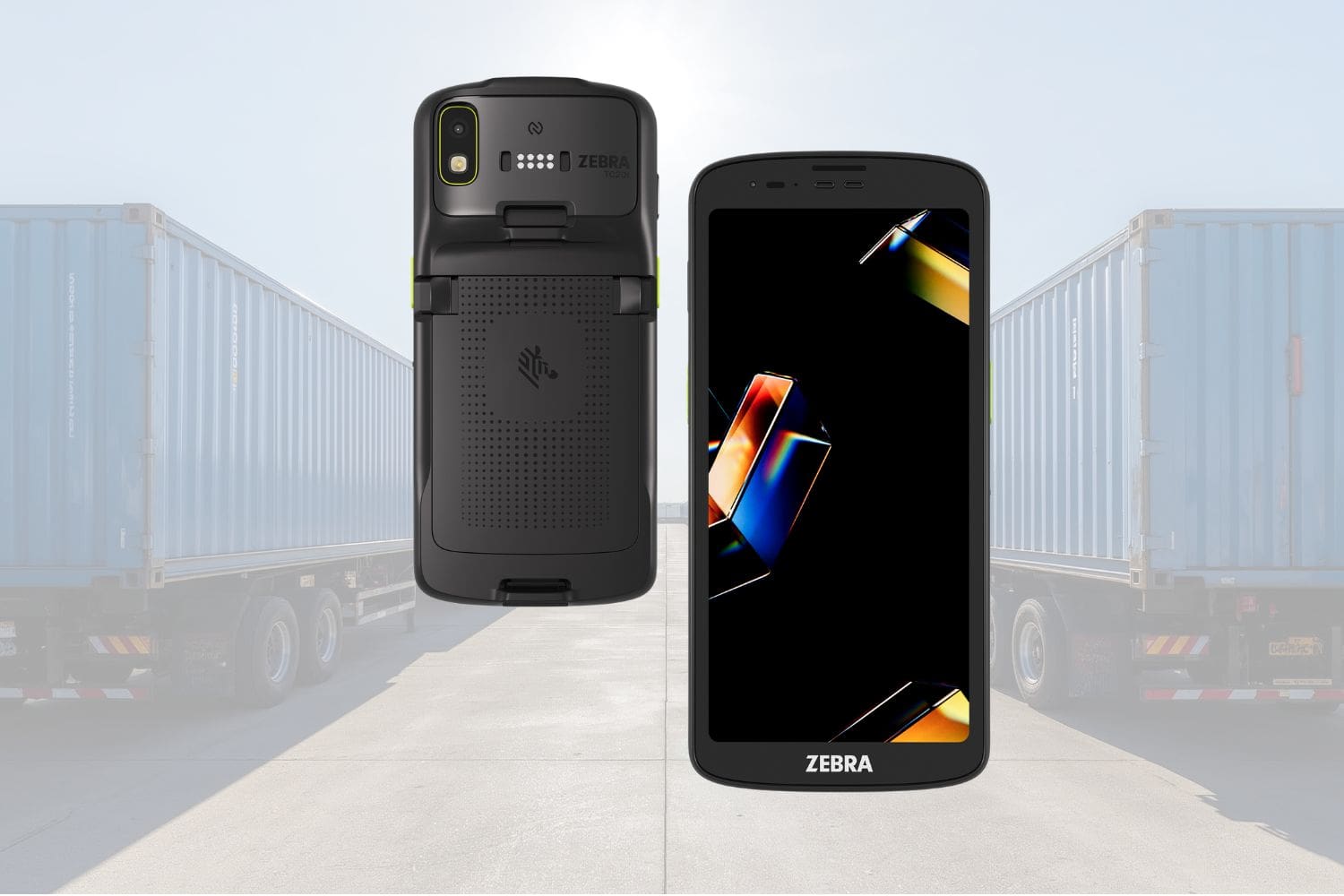
Zebra LifeGuard for Android Protects Your Handheld Devices
The Rising Need for Data and Device Security
Today’s warehouses can’t compromise on data security. Cyber criminals are smarter, and the costs of hacks and data theft are higher. IT experts recommend deploying security patches as soon as they are available, and keeping your OS up-to-date with the latest version.
But this is hard to implement in practice as your fleets of mobile computers become larger and spread out over larger facilities, or multiple facilities in ever-broader geographical areas. Not to mention – your IT teams have limited time and many competing responsibilities. CSSI Technologies can help! CSSI’s Device Lifecycle Management program enables you to remove the burden of managing, updating, and deploying mobile computers. Or consider LifeGuard for Android, a Zebra service which protects Zebra devices with automatic updates and patches.
Zebra LifeGuard for Android
Zebra’s LifeGuard enables you to protect your Zebra devices with automatic updates and patches. This makes it easier for you manage updates, and provides a user-friendly program to simplify your overview of your fleet.
Maximize enterprise mobile user productivity and minimize IT complexities over the lifespan of Zebra mobile device.
LifeGuard delivers regular OS updates required to stay on top of emerging security threats, while always allowing you to migrate to new versions at your own pace.
Beginning with Android 11, you get more control over the management of security updates through new options — including a new Auto Update feature, Dynamic Packaging to update with a single smaller file, plus support for Google A/B streaming to update silently in the background.
Contact CSSI
To learn more about LifeGuard for Android or Device Lifecycle Management, please contact CSSI.
FAQ – Frequently Asked Questions About Zebra LifeGuard for Android Mobile Computers
Q: What is Zebra LifeGuard for Android, and why does it matter for our mobile device fleet?
A. LifeGuard for Android is Zebra’s security software for its rugged Android mobile computers. It protects devices from cyberattacks by delivering regular operating system security updates that address new threats as they appear. It belongs to the Zebra DNA family of enterprise tools. For warehouse, distribution and logistics operations, where handhelds are connected to your WMS, ERP and network, the result is a fleet that stays protected and in compliance for its full service life, not only during the first months after deployment.
Q: Will updating devices interrupt our workers or slow down operations?
A. It shouldn’t. On Android 11 and later, LifeGuard supports Auto-Update, which sends updates to devices over the air without IT having to step in and without interrupting users. It also supports Google A/B streaming, so updates install silently in the background while workers keep scanning and picking. Dynamic Packaging delivers each update as one smaller file, which uses less bandwidth and shortens update times. If you manage devices through a supported EMM, you can also schedule updates to run only when devices are cradled or idle, keeping them clear of peak shifts.
Q: How much control does IT have over when and how updates are deployed?
A. You have a lot of control, and you can choose how much automation to use. With a supported EMM, IT decides which updates go to which devices, plus when and how they install, over Wi-Fi, cellular or both. Without an EMM, you can download update files from Zebra.com and apply them yourself with StageNow, part of Zebra DNA for Mobile Computers. LifeGuard also lets you move to newer Android versions on your own schedule, so you can test with your line-of-business apps before a fleet-wide rollout.
Q: Can we track whether our devices are actually up to date?
A. Yes. LifeGuard includes reports that let you see and monitor the update process across your devices. IT directors can use them to check security compliance and find devices that have fallen behind. Warehouse managers can use them to confirm that update activity stays on schedule and away from production.
Q: How do we get LifeGuard, and what else comes with it?
A. Every Zebra OneCare service contract includes a full year of LifeGuard support on the device’s current OS version. OneCare also covers more than the standard warranty, including accidental damage and normal wear and tear, which matters for devices that get dropped, frozen and handled all day. For organizations that would rather hand off update management entirely, Zebra Managed Software Release Management keeps fleets current and includes LifeGuard security patches. A Zebra partner can help you pick the right coverage for your fleet size and environment.