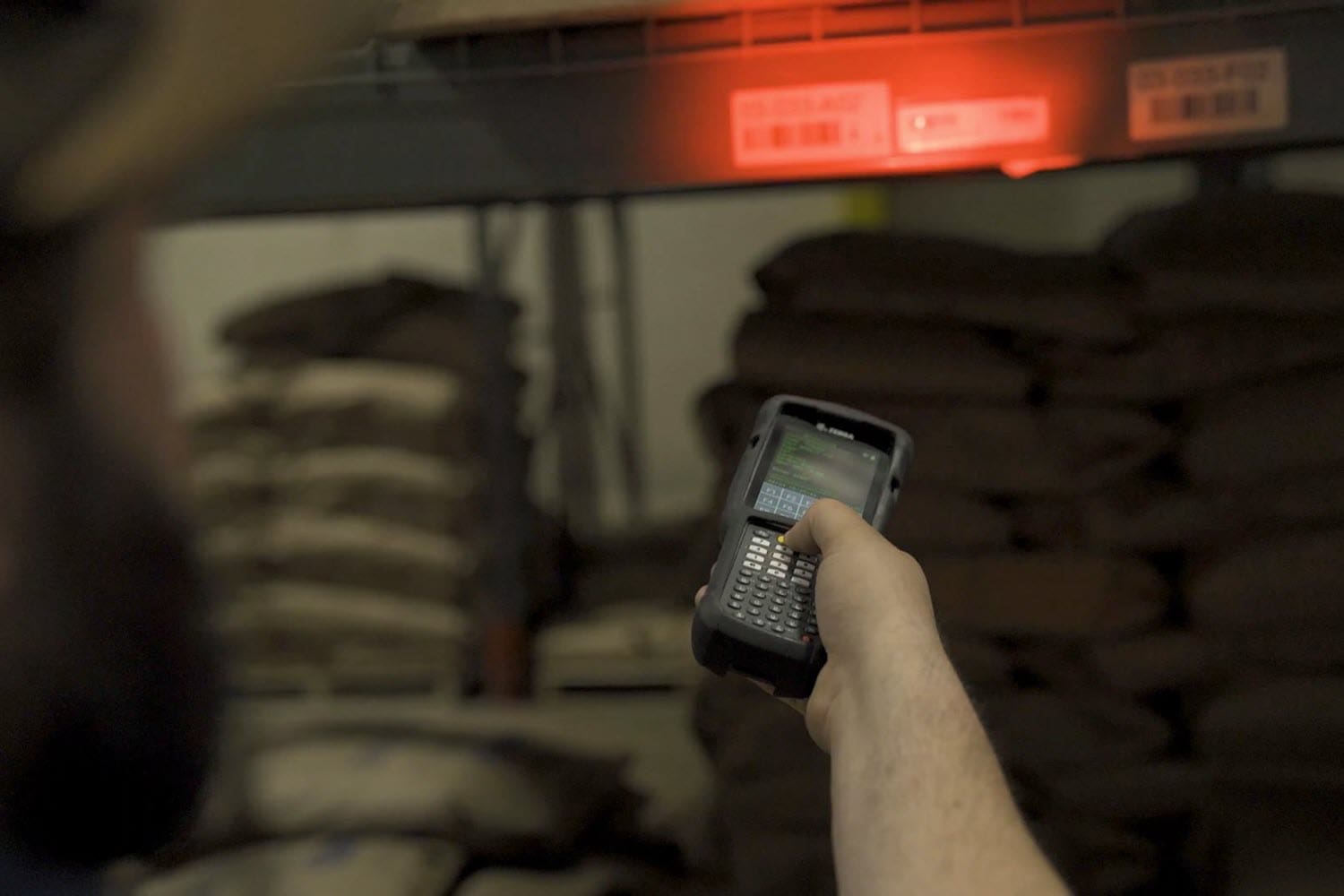
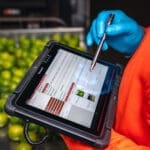
In a world of inevitable change, team communication in and out of the four walls is vital for business continuity. That’s why businesses are encouraged to unify teams with intelligent, push-to-talk systems like Zebra’s Workforce Connect. Your team’s rugged handhelds aren’t just for scanning and accessing key applications — they also function as extremely useful communication devices!
2-Way Radios Enable Real-Time Communication
Group calls
Automatic emergency alerts
Seamless task assignment
Secured text messaging
No need to burden your team with multiple devices — they can take advantage of the Zebra mobile computers and scanners they are already carrying! Zebra’s Workforce Connect is a 2-way radio function which lets you reach your team, and your team members to reach one another regardless of where they are.
Contact CSSI To Utilize 2-Way Radios For Your Team
To learn more about using Zebra Workforce Connect, please contact CSSI.
FAQ – Frequently Asked Questions About the Benefits of 2-Way Radios for Team Communication
Q: As an IT director, why would I put push-to-talk on our handheld computers instead of keeping separate two-way radios?
A. When voice runs on the rugged handhelds your workers already carry, you have one fleet of devices to buy, charge, track and support instead of two. Voice, scanning and business apps all sit on a single platform that you manage with the same mobile device management tools and security policies. Your team doesn’t have to keep a separate radio inventory, swap batteries for a second device, or replace lost radios. Push-to-talk runs over your existing Wi-Fi, and where your devices support it, over cellular too. Conversations and secure text messages stay inside a system you control, not on open radio channels that anyone with a scanner can hear.
Q: As a logistics manager, how does push-to-talk help coordinate teams that work both inside and outside our facilities?
A. Push-to-talk on handheld computers connects dock workers, yard staff, drivers and supervisors in real time, whether they’re on the warehouse floor or on the road. Group calls send one message to an entire shift or department at once, so there’s no need to make several phone calls. Direct calls and secure messaging handle one-on-one questions. Supervisors can give out tasks and react quickly to changes like a late trailer, a rush order or a dock door conflict. That keeps freight moving and cuts down on idle time. Because the device that captures the scan or proof of delivery is also the communication tool, information flows faster between the facility and the field.
Q: As a warehouse director, what productivity and safety gains can we expect from handheld computers with push-to-talk?
A. Workers stop walking across the building to find a supervisor, and they don’t have to put down one device to pick up another. They press a button to ask a question, report an exception or call for help, then keep picking, putting away or loading. Over a full shift, those saved minutes add up to measurable throughput gains. On the safety side, emergency alerts can notify the right people right away when an incident happens. Group broadcasts let you quickly warn everyone about a spill, an equipment problem or an evacuation. Fewer devices on the belt also means fewer things to drop, juggle or lose in a busy operation.