Implementing Wearable Computers: Getting More from the Zebra WS50
Opportunities & Challenges of Wearables in the Warehouse
Warehouse leaders searching for productivity gains and operational efficiency are increasingly turning to the wearable computer and products such as Zebra WS50 wearable computer due to significant increases in worker output. To learn more about the specific benefits of this technology, check out our related article on the top 6 ways wearables can improve warehouse productivity .
However, wearable computers also require some advance thought and planning. How will workflows need to change, and are there software updates necessary to effectively use the wearable devices?
Zebra WS50 – How To Make the Most of a Smaller Screen
The Zebra WS50 wearable computer is revolutionary in that it is not just a wrist mount or hand mount barcode scanner… the WS50 is a fully functional Android mobile computer. The benefit is that the user does not need to carry 2 devices – you gain single device simplicity – even allowing for communication capabilities. However, in order to take full advantage of the WS50, the company must adapt its software to fit on the smaller screen.
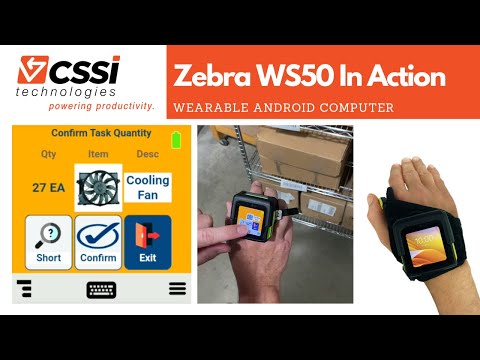
Good news, particularly if your company utilizes telnet/TE and ‘green screens’ on your mobile computer devices… you have a significant opportunity to make multiple workflow and interface improvements. Here’s a demo of the Zebra WS50 running TE workflows, but presenting a full-color touch interface specifically designed for the small screen:
Customizing Telnet Screens for the Zebra Technologies WS50
Which of the screens below are more user friendly, and more adapted to the requirements of a wearable computer user? Many companies are reluctant to upgrade these screens because of the time and expense required to upgrade back-end systems such as the AS/400.
However, CSSI can change device interfaces with no impact whatsoever to the back-end system! Our solution resides entirely on the mobile device itself.
The true power is unlocked when steps and keystrokes can be removed from a workflow with intelligent mobile screens. The result is reduction of wasted motion, improved user ergonomics, fewer errors, and faster training!
Contact CSSI to Discuss the Zebra WS50 Wearable Computer
The WS50 is much more than a ring scanner. It can improve task worker output and boost your operational efficiency. Set up your personal demo of the WS50 and discuss CSSI’s ability to customize mobile screens for your business. We would be happy to arrange a demo unit for you to try in your operation. Please contact us to get started today.
FAQ – Frequently Asked Questions About the Zebra WS5 Series of Wearable Computers
Q: What makes the WS5 Series different from other wearable setups we’ve looked at? A. Most wearable solutions are two-piece systems: a ring or back-of-hand scanner tethered to a wrist- or arm-mounted host computer. The WS5 Series is a true “no-host” design that puts the computer, data capture and voice communication into a single unit. Zebra bills it as the world’s smallest Android enterprise-class wearable mobile computer. For your team, that means fewer pieces to issue, charge, pair and keep track of each shift.
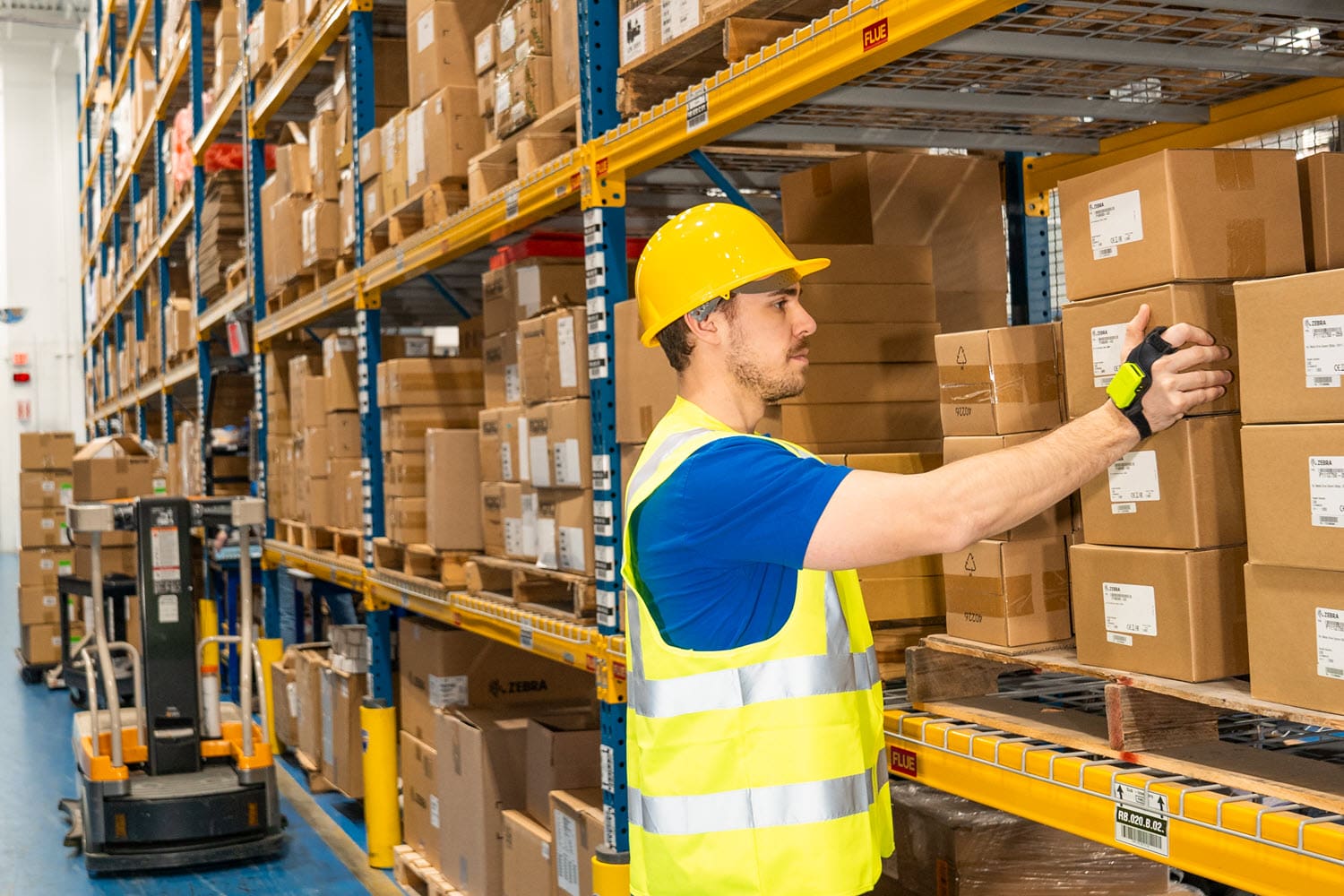
Q: How is the device worn, and will it suit different jobs across our operation? A. The WS5 Series is modular, with three wearing styles: on the wrist, across two fingers, or on the back of the hand. That flexibility lets you match the mount to the task. A picker handling cartons all day may prefer a different style than a receiving clerk or a replenishment associate. Every style is lightweight and keeps workers’ hands free.
Q: Can a device this small really do the work of a handheld mobile computer? A. Zebra designed the WS50 to deliver the core capabilities of a full-size mobile computer. Workers can capture barcodes with an integrated scanner, or take high-resolution photos with the camera option. Programmable buttons can automate repetitive workflow steps. The AMOLED color display is easy to read and uses little power, which helps extend battery run time. The device is also built rugged for warehouse and manufacturing floors.
Q: Can our workers talk to each other with it, or do we still need radios? A. Every model in the series supports push-to-talk, so the same device that scans can also serve as a voice communication tool. Supervisors and associates can coordinate across the building without carrying separate radios. Fewer devices per worker simplifies issuing equipment and reduces your total hardware investment.
Q: What models are available, and how do we manage and protect them once deployed? A. The series currently includes the WS50, WS50 RFID, WS501 and WS501-R, so RFID-capable options are available for operations that track tagged inventory or assets. For fleet management, the devices are supported by Zebra DNA, Zebra’s suite of tools for setting up, securing, managing and optimizing devices across their lifecycle. Zebra DNA Cloud manages devices from a single interface, and Device Guardian helps locate lost or missing units. The standard warranty covers defects for one year from shipment. Zebra OneCare maintenance plans extend coverage to normal wear and tear and accidental damage.